
4.2
Maps & Navigation
Ratings
Downloads
Age
How would you like to continue?
Advertisement
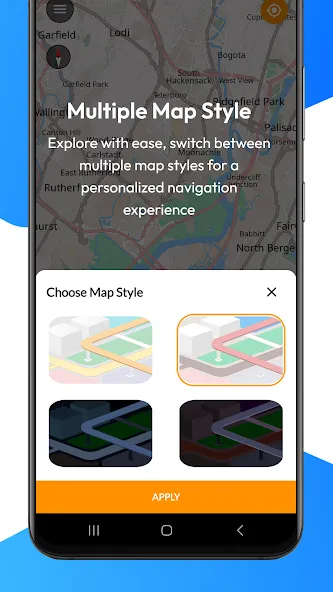
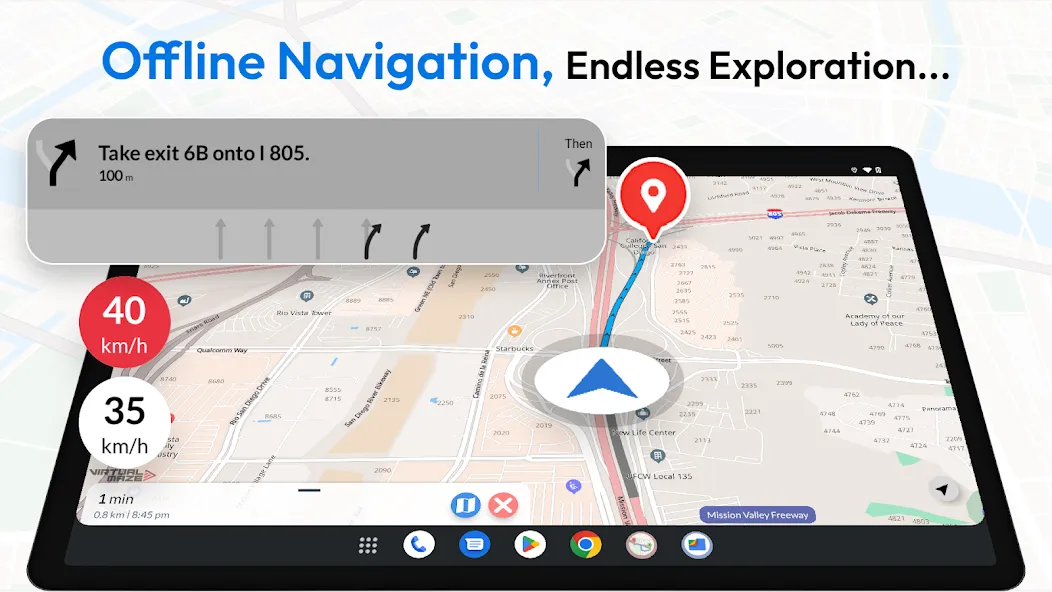
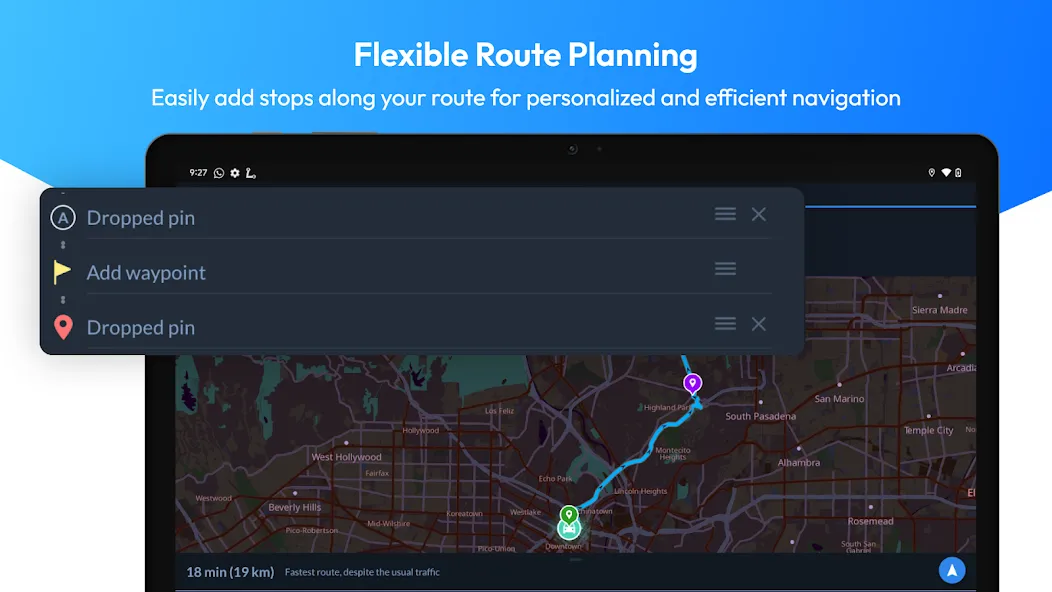
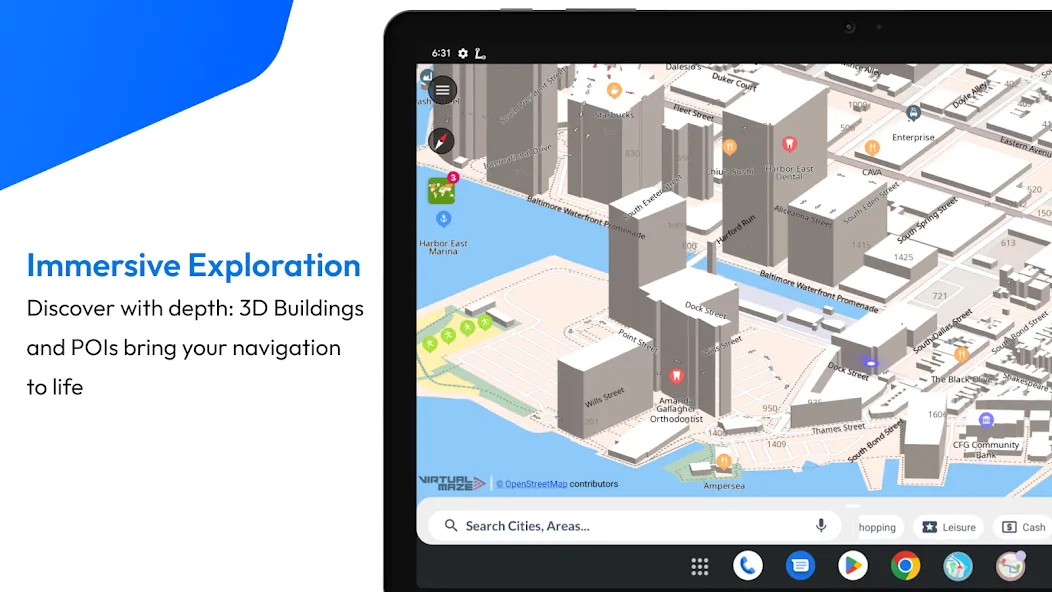
Advertisement
Name
Category
Price
Safety
Developer
Version
Ever get stuck with no signal? Download offline maps and use GPS navigation anywhere — even without internet.
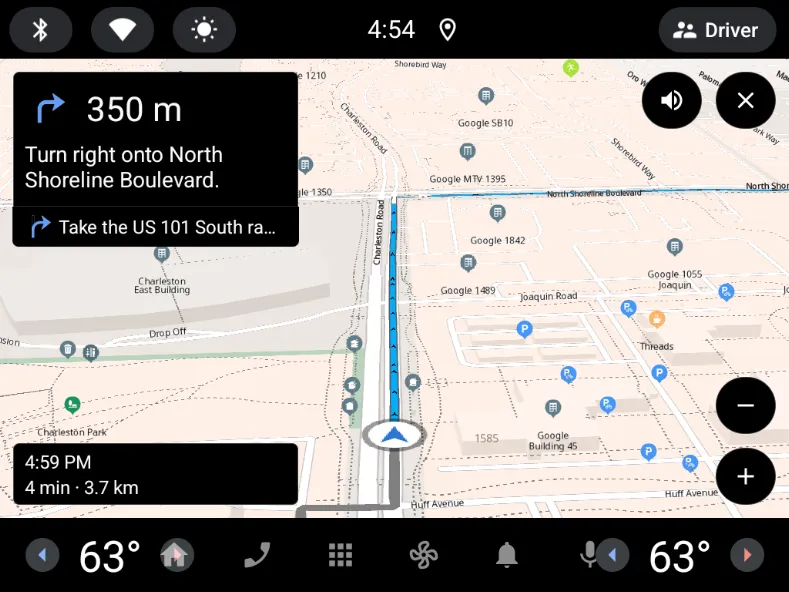
Offline Map Navigation gives turn-by-turn directions, offline place search, and reliable routing for driving, biking, cycling, or walking.
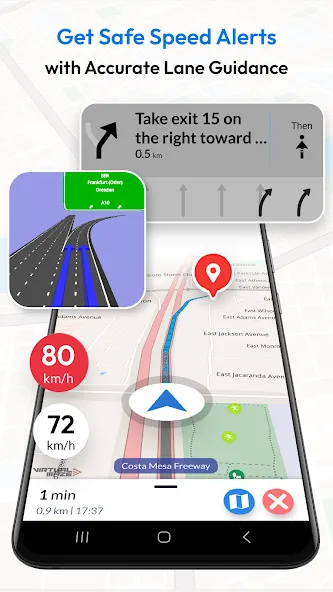
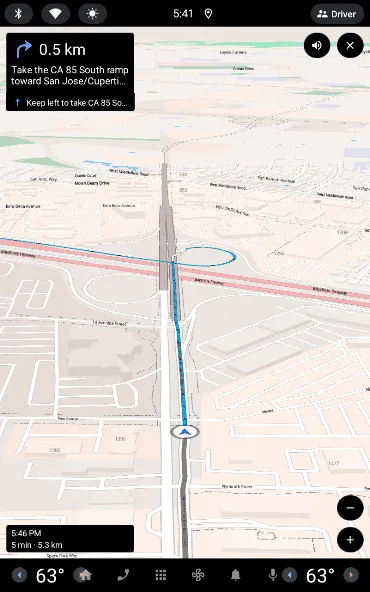
Drive more confidently with Lane Guidance (lane assist / lane assistance) and Junction View for highway exits and complex interchanges. Use Android Auto navigation on your car’s display for safer, hands-free in-car navigation (also supports Android Automotive OS).
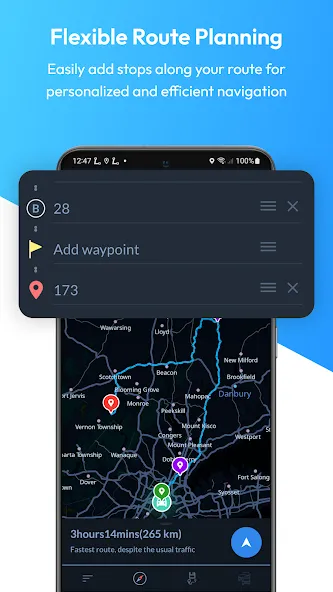
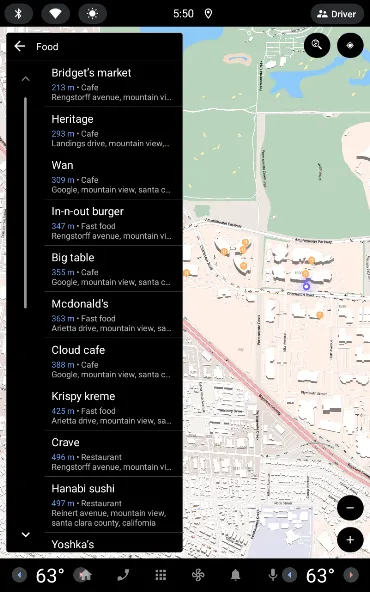
Plan trips faster: search offline for nearby hotels, restaurants and other points of interest, add multiple stops, and get precise ETA — plus weather updates when you’re online.
KEY FEATURES
OFFLINE MAPS + OFFLINE SEARCH
• Downloadable offline maps: Save maps to your phone and navigate without internet.
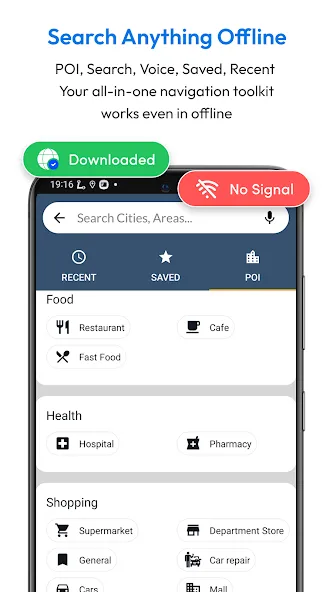
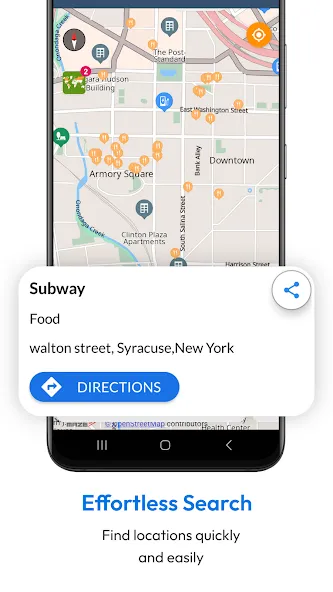
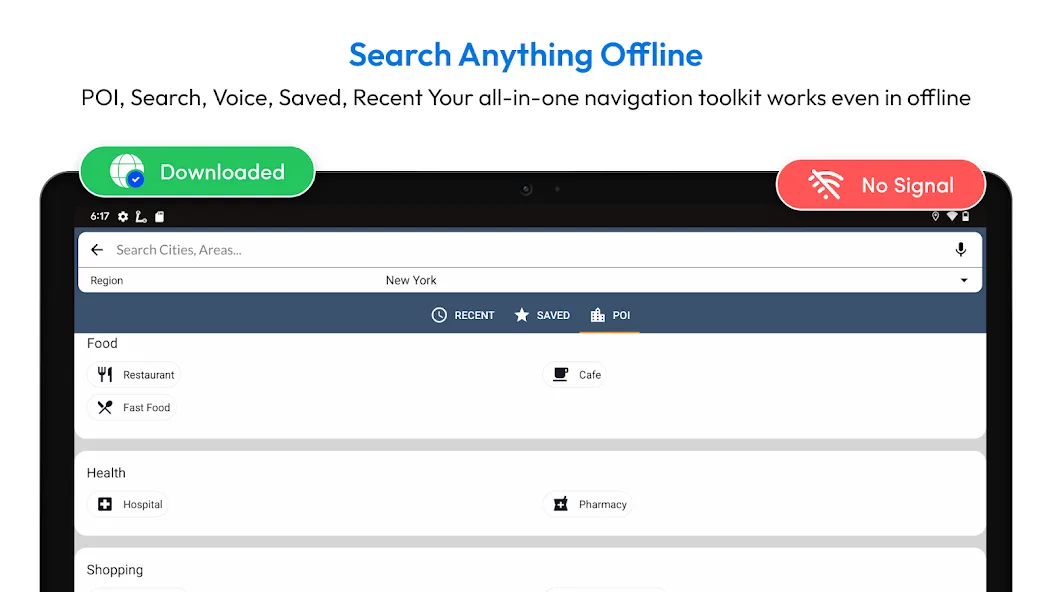
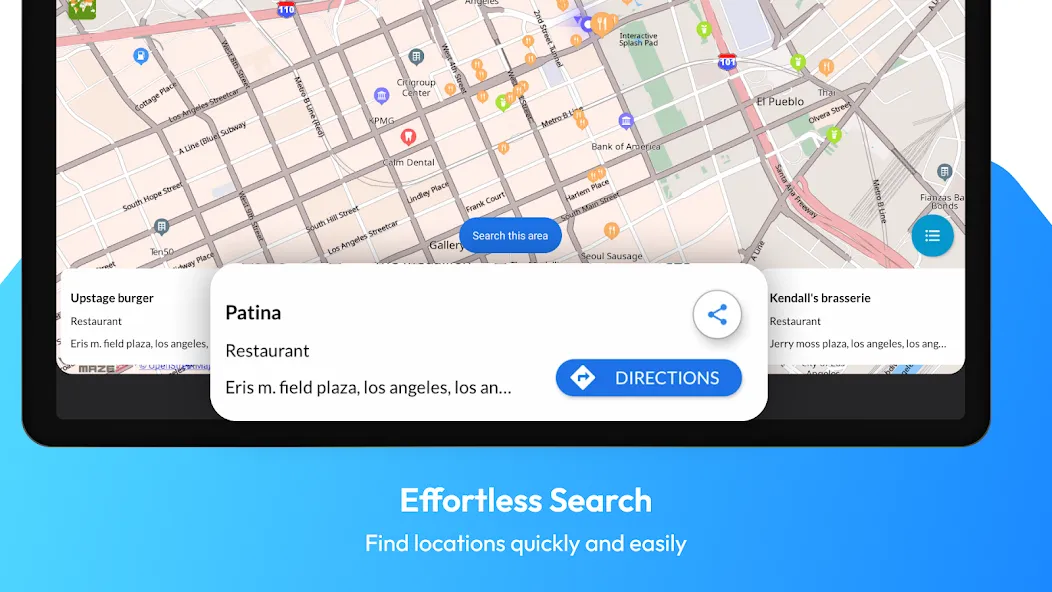
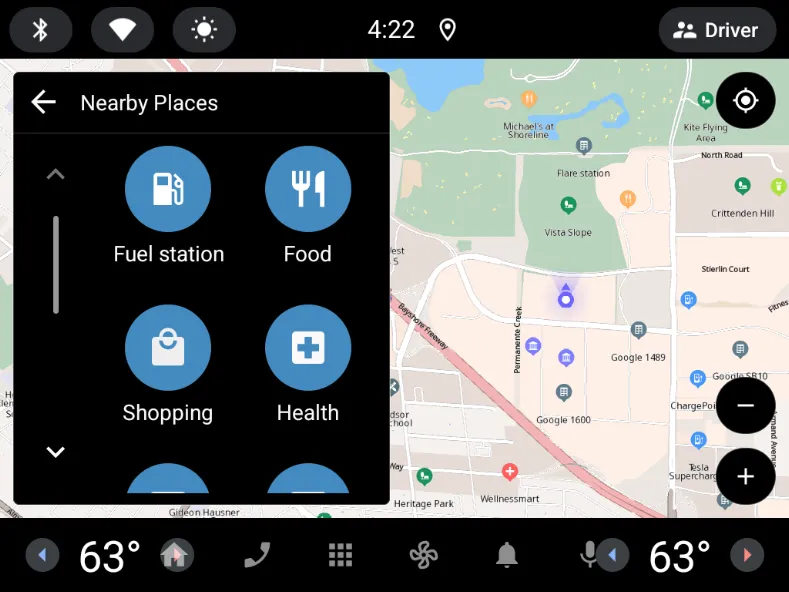
• Offline search: Find places and addresses offline.
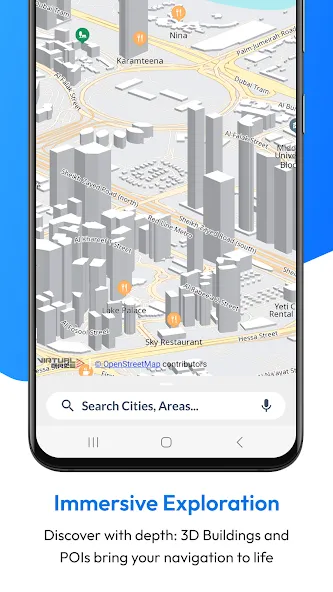
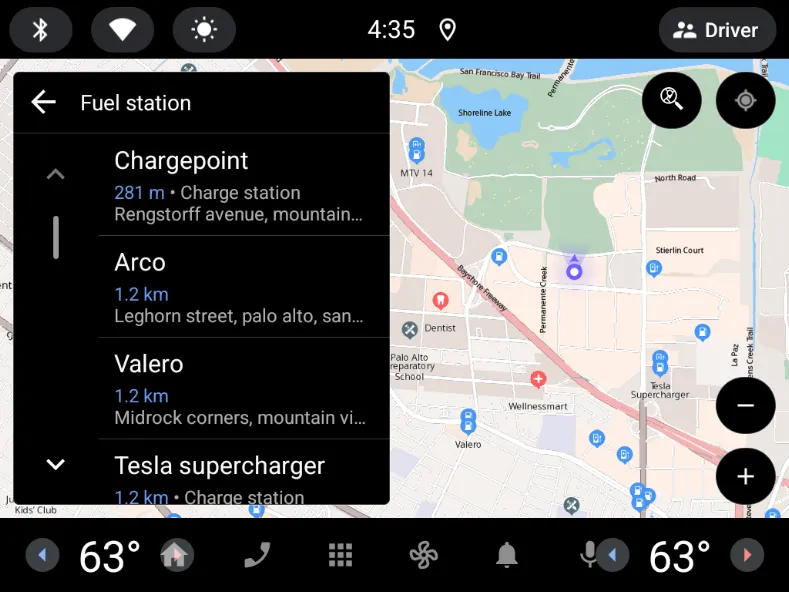
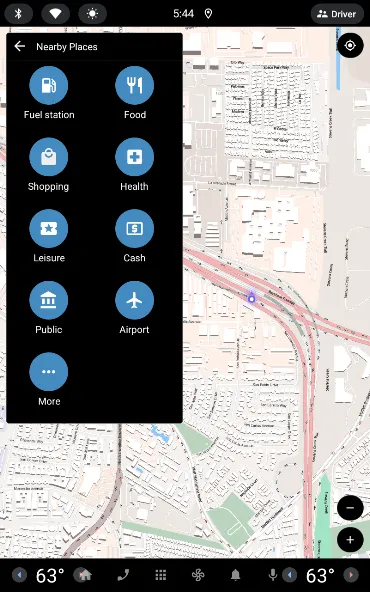
• Offline points of interest (POI): Hotels, restaurants, hospitals, ATMs, banks, EV charging stations, shopping and more.
TURN-BY-TURN GPS NAVIGATION
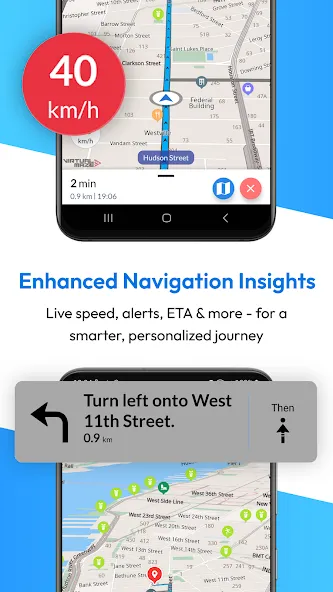
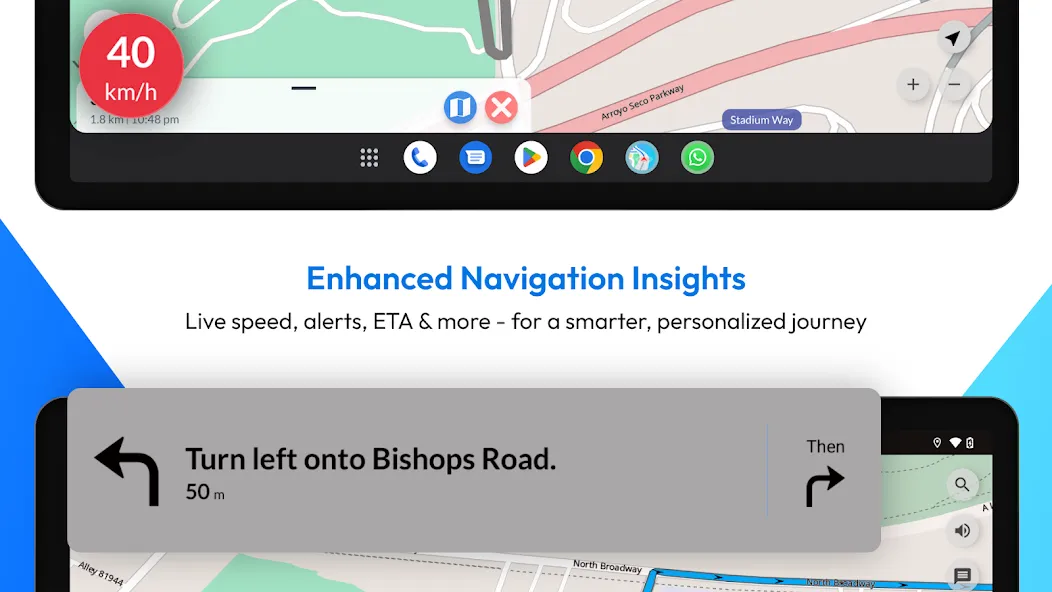
• Turn-by-turn navigation: Clear route instructions with accurate GPS positioning.
• Voice guidance: Spoken directions in multiple languages.
• Automatic rerouting: Instant recalculation if you miss a turn.
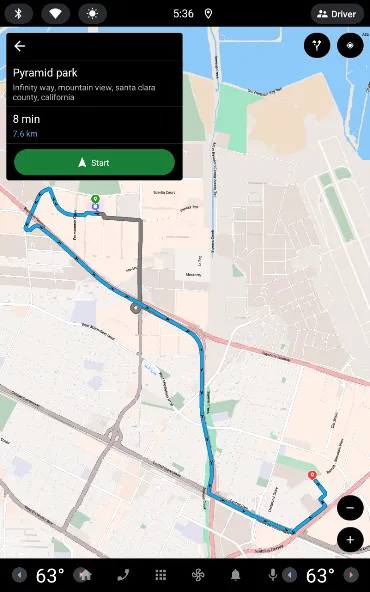
• Alternative routes: Choose the route that fits your trip.
LANE ASSIST + JUNCTION VIEW (HIGHWAY HELP)
• Lane guidance / lane assistance (lane assist): Know which lane to be in before a turn.
• Junction view: See upcoming junctions and interchanges more clearly.
• Exit guidance: Better confidence at complex intersections and highway exits.
ROUTE PLANNING + SAFETY
• Multi-stop routes: Add multiple way-points for optimized paths and precise ETA.
• Share routes: Share route instructions easily.
• Save locations: Store favorites for quick access.
• Over-speed alerts: Helpful speed warnings (where available).
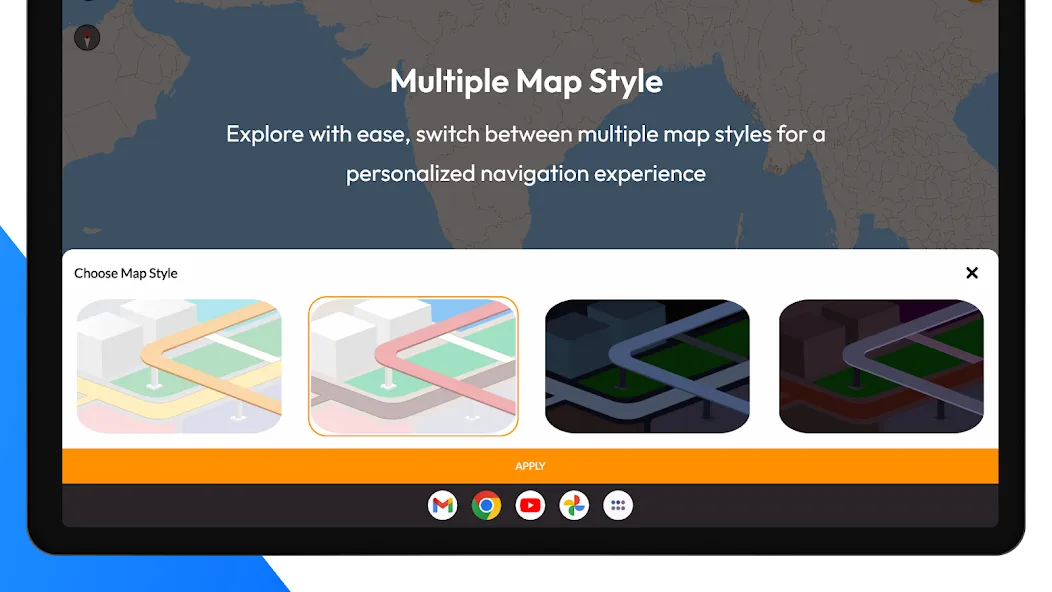
• Day & night mode: Clear navigation anytime.
EV + TRAVEL EXTRAS
• EV routing: Includes charging station information for electric vehicles.
• Weather updates: See weather details for your location when online.
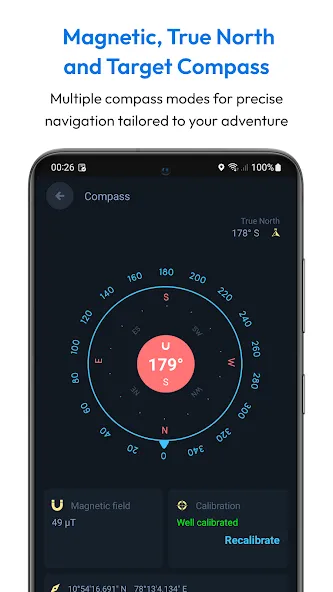
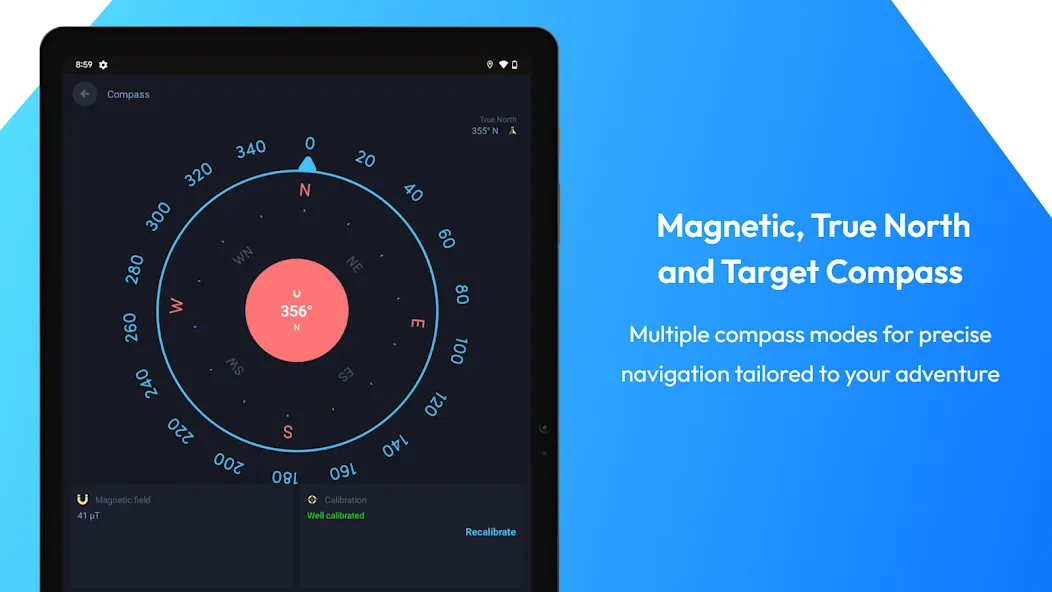
• Target compass: Navigate directly to a destination.
ANDROID AUTO + DEVICES
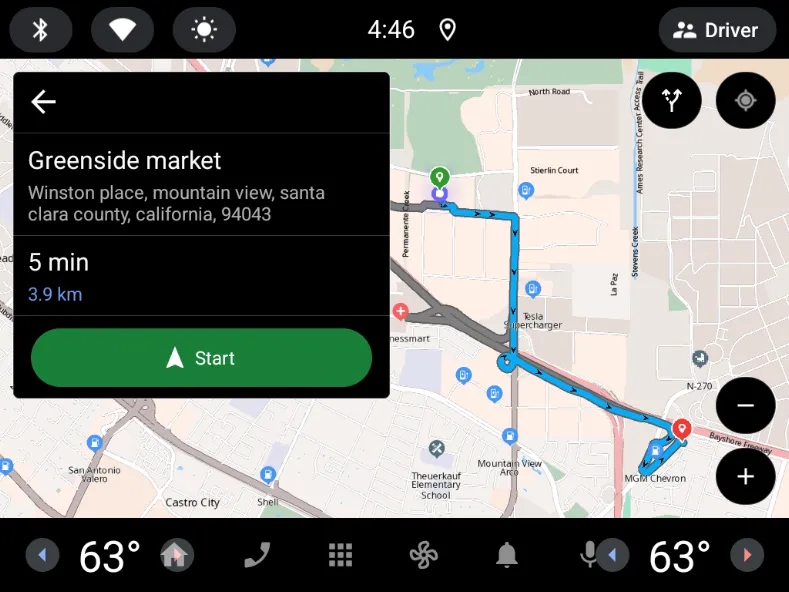
• Android Auto & Android Automotive: In-car navigation on your car display.
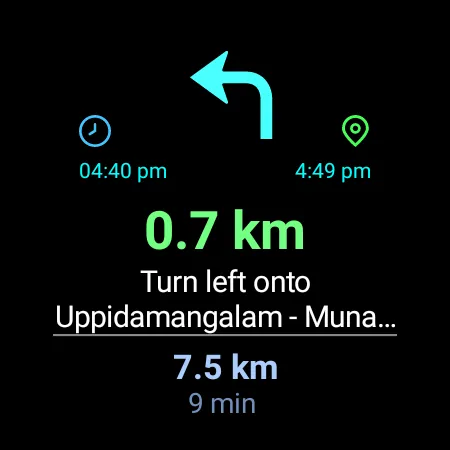
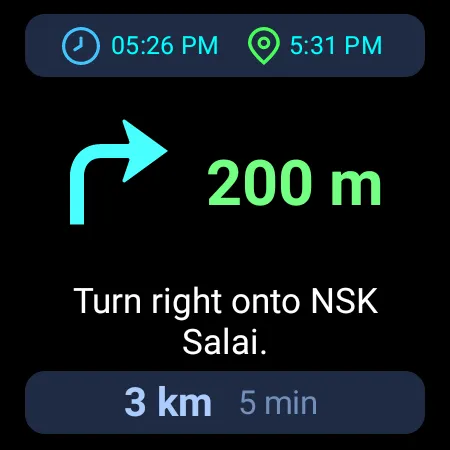
• Wear OS: Turn-by-turn navigation on your smartwatch.
WHY CHOOSE OFFLINE MAP NAVIGATION?
• Offline maps for travel: Avoid roaming costs and navigate without signal.
• Faster trip planning: Offline search + saved places + multi-stop routing.
• Clear highway guidance: Lane assist (lane guidance) + junction view.
• User-friendly: Simple, intuitive navigation UI.
SUBSCRIPTIONS (if applicable)
• You can manage or cancel subscriptions anytime in Google Play → Payments & subscriptions.
WEAR OS SETUP
1) Install the app on your Android phone and Wear OS watch.
2) Open the app on both devices and complete setup.
3) Start navigation on your phone.
4) Get turn-by-turn directions on your watch.
DISCLAIMER
Offline Map Navigation is a GPS-based app. Location permission is needed to show your position and provide navigation guidance. If you allow background location, the app may access location while running in the background for accurate navigation updates. You can control permissions anytime in Android settings.
1. General Information The information provided by MoboReview ("we," "us," or "our") on moboreview.com is for general informational and educational purposes only. All information on the Site is provided in good faith, however, we make no representation or warranty of any kind, express or implied, regarding the accuracy, adequacy, validity, reliability, availability, or completeness of any information on the Site.
2. Affiliate Disclosure (FTC Compliance) MoboReview believes in transparency. Some of the links on our website may be affiliate links. This means that if you click on the link and download or purchase an app or product, we may receive a small commission at no extra cost to you. This helps keep our website running. Regardless of affiliate relationships, we only recommend apps and services that we genuinely believe will add value to our readers.
3. Editorial Independence & Sponsored Content From time to time, we may receive free access to premium apps, software, or promotional items from developers in exchange for a review. We may also occasionally publish sponsored content. However, compensation never dictates our editorial content. All reviews, opinions, and ratings expressed on MoboReview are strictly our own and are based on hands-on testing and objective analysis.
4. App Changes and Accuracy The tech world moves fast. While we strive to keep our reviews as accurate and up-to-date as possible, app developers frequently update features, change pricing models (e.g., switching from free to subscription), or remove apps from the app stores altogether. MoboReview is not responsible for any discrepancies between our review and the current state of an app. We highly encourage you to verify the app’s features, pricing, and compatibility on the official App Store or Google Play Store before downloading or purchasing.
5. External Links Disclaimer The Site may contain links to other websites or content belonging to or originating from third parties. Such external links are not investigated, monitored, or checked for accuracy, adequacy, validity, reliability, availability, or completeness by us. We do not warrant, endorse, guarantee, or assume responsibility for the accuracy or reliability of any information offered by third-party websites linked through the site.

Productivity

Communication

Social

Photography

Communication

Photography

Arcade

Action

Adventure

Casual

Action

Action
Welcome to MoboReview, an independent mobile app discovery and review platform.
We provide editorial content, app reviews, feature summaries, comparisons, and recommendations to help users discover useful mobile applications and games. Our goal is to make it easier for users to understand different apps, explore their features, and find applications that match their interests and needs.
MoboReview does not develop, distribute, or host mobile applications. We are not an app marketplace and we do not provide direct downloads of applications. When users choose to install an app, they are redirected to official third-party platforms, such as Google Play Store or Apple App Store, where downloads, installations, and related services are handled by the respective app developers and platform providers.
Our content is created for informational and educational purposes. We review and organize publicly available information about mobile applications, including app features, user experiences, functionality, and general usage information.
We aim to provide transparent, helpful, and independent content for mobile users around the world.