

Most people ignore battery degradation until their phone’s usability takes a clear hit. The decline creeps up slowly, with tiny signs easy to brush off day-to-day. Your screen-on time shrinks bit by bit. Charging speeds feel inconsistent. The battery percentage drops sharply out of nowhere. The device runs warmer during regular use. Even smooth performance stutters unexpectedly as the system throttles power to protect a worn cell.
Then one day, a phone that once lasted a full workday dies halfway through the afternoon.
Every lithium-ion battery loses capacity with every charge cycle. This chemical wear is unavoidable. The real frustration? You can’t see it happening. Native battery tools on iPhone and Android only offer surface-level snapshots. They show basic percentage levels and vague health labels but skip the long-term trend data that tells you exactly how worn your battery truly is.
Trusted third-party battery apps fix this gap. They log weeks and months of real usage data to track charge cycles, gradual capacity loss, personal charging habits, temperature spikes, charging speed inconsistencies, voltage shifts, and slow wear patterns most users never notice.
This guide exclusively highlights active, reputable apps on the App Store and Google Play that deliver honest battery diagnostics. No fake booster tools, no misleading repair claims—just genuine monitoring software built to track long-term battery degradation.
Each app was tested for reporting accuracy, historical data tracking, charge cycle logging, temperature analysis, data transparency, ad intrusiveness, and real-world practicality. One critical truth to keep in mind: no app can fix physical battery wear. Degradation is permanent. These tools don’t restore lost capacity—they help you understand, adapt, and slow future damage.
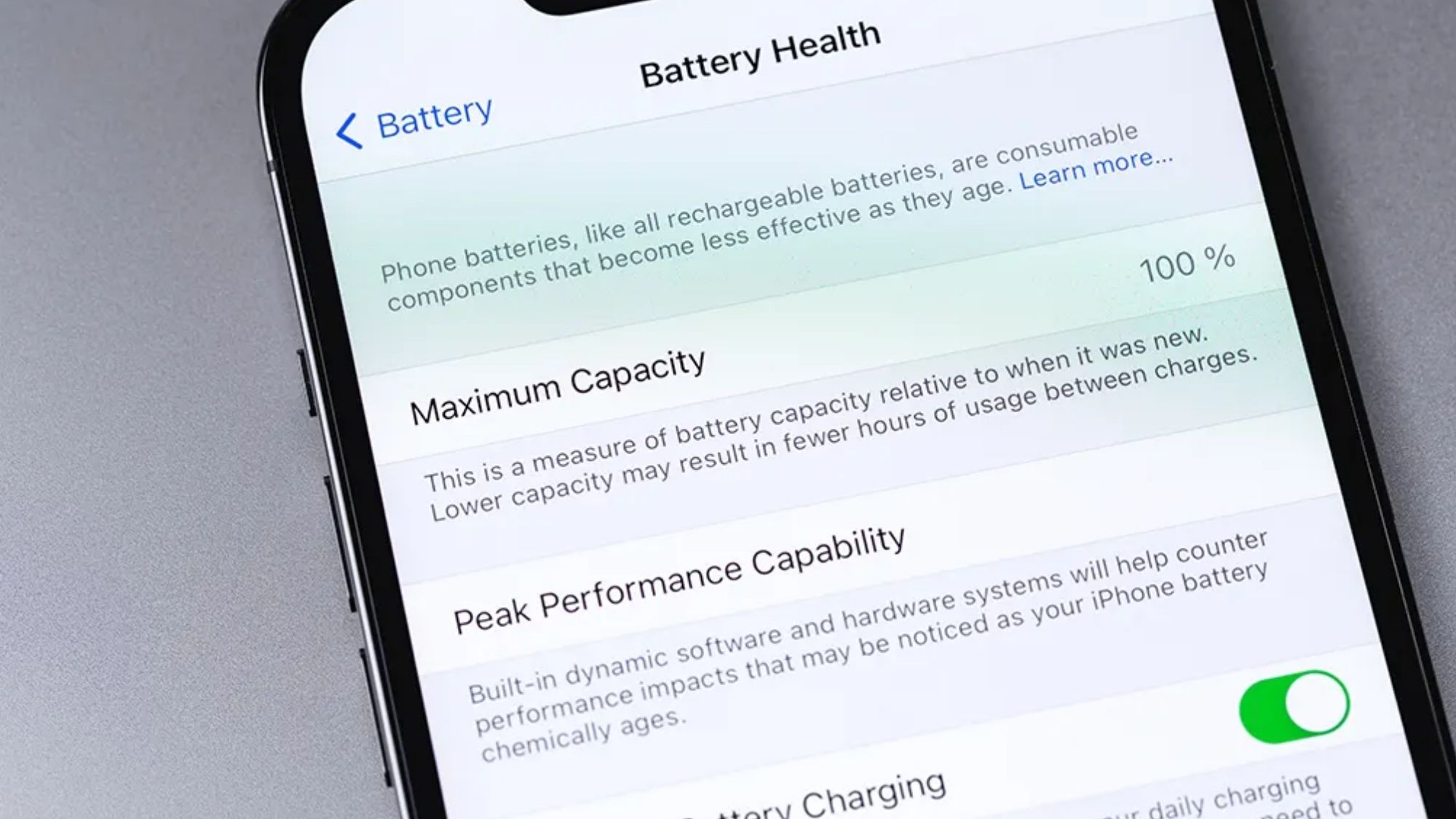
Availability:iphone, Android
Pricing: Free core tools; optional Pro upgrade unlocks advanced analytics
AccuBattery has long stood as Android’s most reliable battery health tracker, and for good reason. It doesn’t rely on guesswork or generic estimates. Instead, it continuously logs every charging and discharging session to build precise, data-backed insights into your battery’s real condition over time.
It tracks estimated capacity loss against factory specs, counts completed charge cycles, records consistent charging speeds, measures screen-on battery drain, monitors operational temperature, and charts gradual wear trends. The longer you use it, the more accurate its readings become. After two to three weeks of regular logging, users get a clear picture of exactly how much their battery has degraded since they first unboxed the device.
Its smart charging alert is one of its most practical features. You can set custom notifications to unplug at 80%, a simple habit proven to reduce long-term battery stress and slow degradation. Unlike sketchy “battery repair” apps flooding app stores, AccuBattery stays grounded in real battery science. It focuses purely on data tracking and better charging habits, not impossible fixes.
Industry-leading long-term battery wear analytics
Precise charge cycle tracking and session logging
Customizable charging alerts for healthier habits
Detailed historical trend graphs and stats
Fully functional and useful in its free version
Android exclusive with no iOS support
Capacity estimates grow more accurate over time (no instant results)
Dense technical data can overwhelm casual users
Android users who want to quantify battery wear and adjust habits to extend their phone’s usable lifespan.
Availability: iPhone
Pricing: Free base version; optional in-app upgrades
Apple tightly restricts third-party system access on iOS, which limits how much detail iPhone battery apps can pull compared to Android alternatives. Even with those constraints, Battery Life remains the most user-friendly and reliable option for iPhone owners seeking more clarity than Apple’s native settings provide.
It delivers simplified estimates for overall battery wear, current maximum capacity, real-world runtime projections, active charge status, and core internal battery metrics. It cuts through Apple’s vague, hidden battery menus and translates technical data into straightforward, easy-to-understand readings.
Its limitations stem purely from iOS system restrictions. Its calculations are less precise than what Android apps can generate, and free users encounter occasional ads and upgrade prompts. Still, it’s the most approachable on-device battery tool for average iPhone users.
Streamlined, iPhone-optimized interface
Clear, actionable battery wear estimates
Ultra-lightweight with no system bloat
Simplified metrics anyone can interpret quickly
Accuracy capped by Apple’s strict system permissions
Less precise analytics than Android battery tools
Free version includes ads and upgrade pop-ups
iPhone users who want straightforward battery health insights beyond Apple’s default tools.
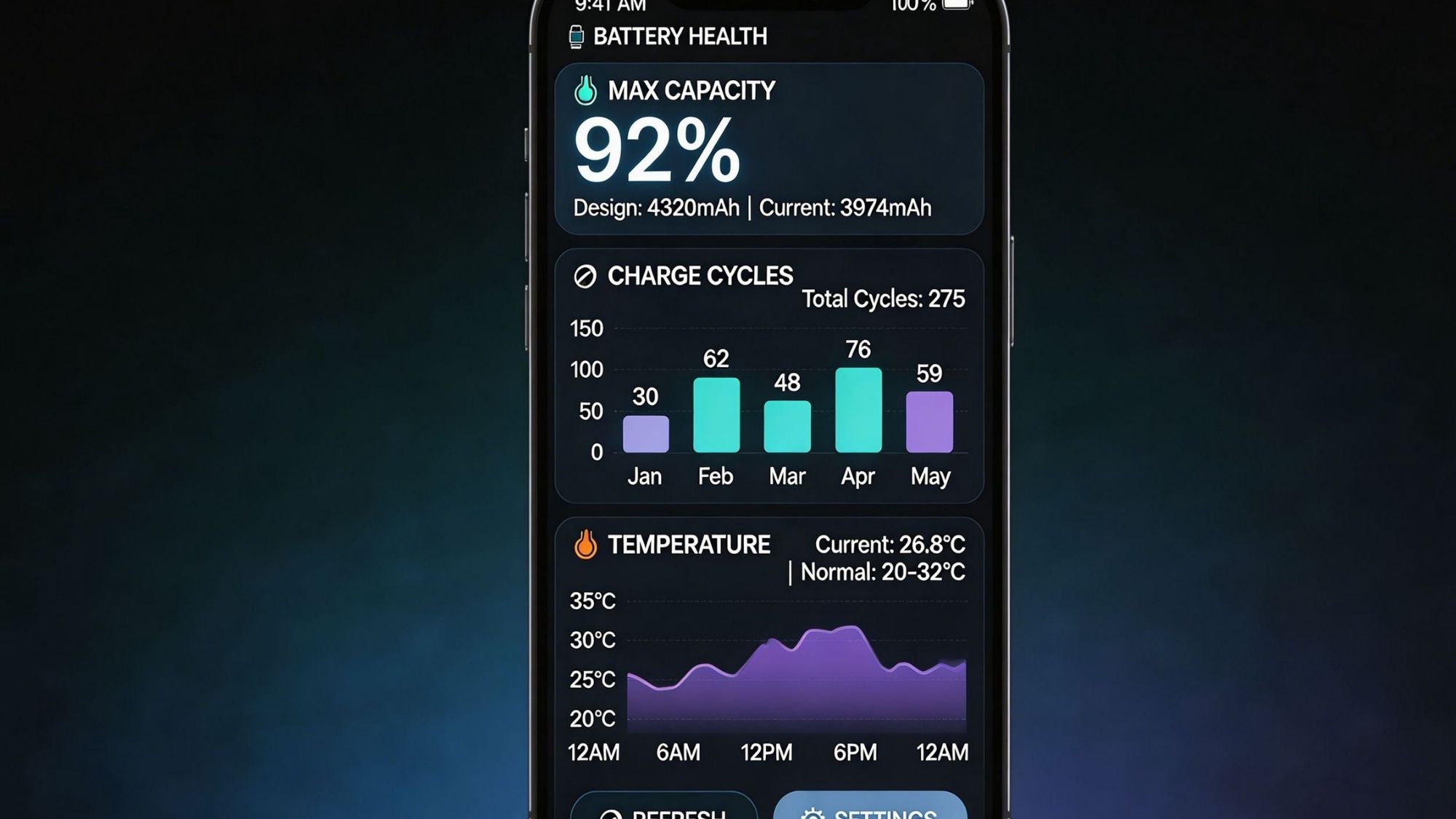
Availability: iPhone, Android
Pricing: Free basic access; optional paid premium features
Battery HD+ takes a different approach. It skips overly technical deep diagnostics and prioritizes practical, everyday battery tracking for casual users. Instead of overwhelming people with voltage numbers and wear percentages, it translates battery data into real-world usage estimates anyone can use.
It calculates remaining screen-on time, media streaming endurance, approximate gaming runtime, talk time limits, and real-time charging progress. It also logs basic charging behavior patterns and short-term performance trends to help users spot inconsistent battery drain.
Its greatest strength is readability. There’s no technical jargon, no confusing charts, and no obscure metrics. It simply tells you how long your battery will last across common activities. Power users will find it lacks the depth of AccuBattery’s long-term wear tracking, but it’s perfect for casual monitoring.
Extremely beginner-friendly layout
Works seamlessly on both iOS and Android
Accurate real-world usage runtime estimates
Simple, intuitive charging progress tracking
Lightweight and unobtrusive background operation
Lacks advanced long-term degradation analytics
Minimal technical diagnostic tools
Free version displays intermittent ads
Casual users who want simple battery tracking without complex technical data.
Availability: Android
Pricing: Free core version; optional Pro upgrade
Ampere isn’t built for tracking years-long battery wear. It’s designed for real-time charging diagnostics and hardware troubleshooting. It zeroes in on the electrical performance of your charger, cable, and battery during every charging session.
It measures live charging current, active voltage levels, device temperature, real-time battery status, charger output efficiency, and USB cable performance. This data makes it easy to diagnose common everyday issues: sluggish charging speeds, faulty worn-out cables, underpowered chargers, and abnormal overheating.
It also verifies whether fast-charging protocols are actually working as advertised, helping users spot hardware bottlenecks that kill charging speeds. The interface leans technical, so casual users may find it overwhelming—but Android enthusiasts rely on it for precise hardware-level insights most other apps miss.
Precise real-time charging and electrical diagnostics
Live current and voltage monitoring
Excellent for troubleshooting faulty chargers and cables
Ultra-lightweight with no performance drag
Unique hardware-level battery insights
Not optimized for long-term battery wear tracking
Technical interface caters to power users
Minimal value for casual users with no hardware issues
Android power users troubleshooting slow charging, overheating, or faulty accessory performance.
Availability: iPhone/iPad (requires Mac companion software)
Pricing: Free base version; optional paid upgrade
CoconutBattery stands apart from mobile-only apps because it relies on a Mac connection to pull unrestricted, deep battery data from Apple devices. While iOS limits on-device apps, this trusted tool bypasses those restrictions to reveal granular battery details Apple hides from standard users.
Once you connect your iPhone or iPad to a Mac, CoconutBattery displays factory design capacity, current maximum healthy capacity, exact charge cycle count, live battery temperature, and overall battery age. Apple enthusiasts widely trust it for accurate, unfiltered diagnostics that no iPhone-only app can match.
The obvious downside is convenience. It requires a Mac computer, so it’s not a quick, on-the-go monitoring solution. It’s less practical for daily checks but perfect for occasional deep dives and verifying battery health—especially when buying used Apple devices.
Most accurate deep iOS battery diagnostics available
Precise charge cycle counting and capacity reporting
Industry-trusted tool among Apple power users
Far more detailed data than native iOS settings
Requires a Mac for all functionality
Not a fully mobile, on-the-go solution
Inconvenient for daily quick checks
Apple users who want definitive, in-depth battery health audits beyond basic mobile tools.
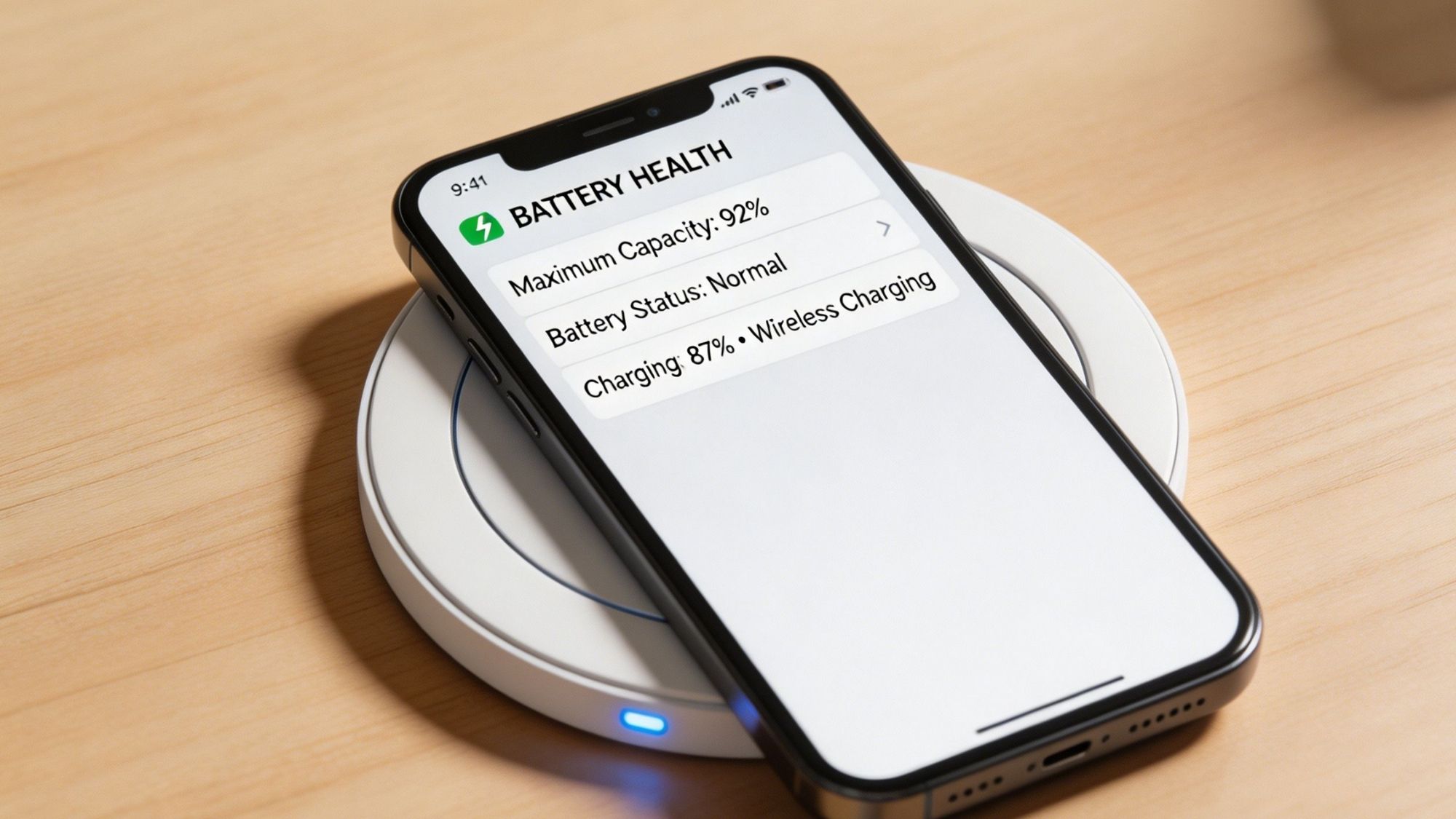
AccuBattery remains 2026’s best overall battery health app for Android users. Its long-term wear tracking, session-based charging analytics, and reliable historical trend data deliver honest, actionable insights without the false promises that plague most battery utility apps.
For iPhone users, Battery Life offers the most practical on-device monitoring, while CoconutBattery is the gold standard for occasional deep-system iOS diagnostics.
Best Overall Android Battery App: AccuBattery
Best iPhone On-Device Monitor: Battery Life
Best Real-Time Charging Diagnostics: Ampere
Best Beginner-Friendly Battery App: Battery HD+
Best Deep iOS Battery Diagnostics: CoconutBattery
The internet is overflowing with misleading battery advice and bogus utility apps. Countless tools claim they can repair damaged battery cells, restore lost capacity, permanently extend battery life, or reverse lithium-ion degradation.
None of that is possible.
Battery wear is a physical, chemical change inside lithium-ion cells. Once capacity fades, it’s gone for good. No app code or algorithm can reverse that damage.
What legitimate battery apps actually do is far more practical. They help users avoid excessive heat buildup, track slow degradation trends over months, skip harmful charging habits, spot faulty chargers and cables, and catch battery aging early before it impacts daily use.
Modern smartphones already include robust native protections. Adaptive charging, thermal regulation, optimized charging schedules, and background charge limiting all reduce unnecessary wear automatically. You no longer need to obsess over every percentage point to keep your battery healthy.
Even so, these monitoring tools remain incredibly valuable in 2026. They’re essential for anyone keeping a phone for multiple years, buying used devices, or simply wanting to understand exactly how their battery holds up over time.