

For most people, checking the weather means glancing at a tiny icon and deciding whether to grab an umbrella. Weather enthusiasts operate on a completely different level. They’re zooming into radar loops at midnight, watching storm cells split and merge in real time, spotting hook echoes, hail cores, and suspicious velocity signatures before the local forecast even updates. Once you’ve seen the amount of atmospheric data hiding behind a generic “Thunderstorms likely” notification, it’s hard to go back. Mainstream weather apps start feeling oddly shallow — smooth animations covering up the genuinely interesting stuff.
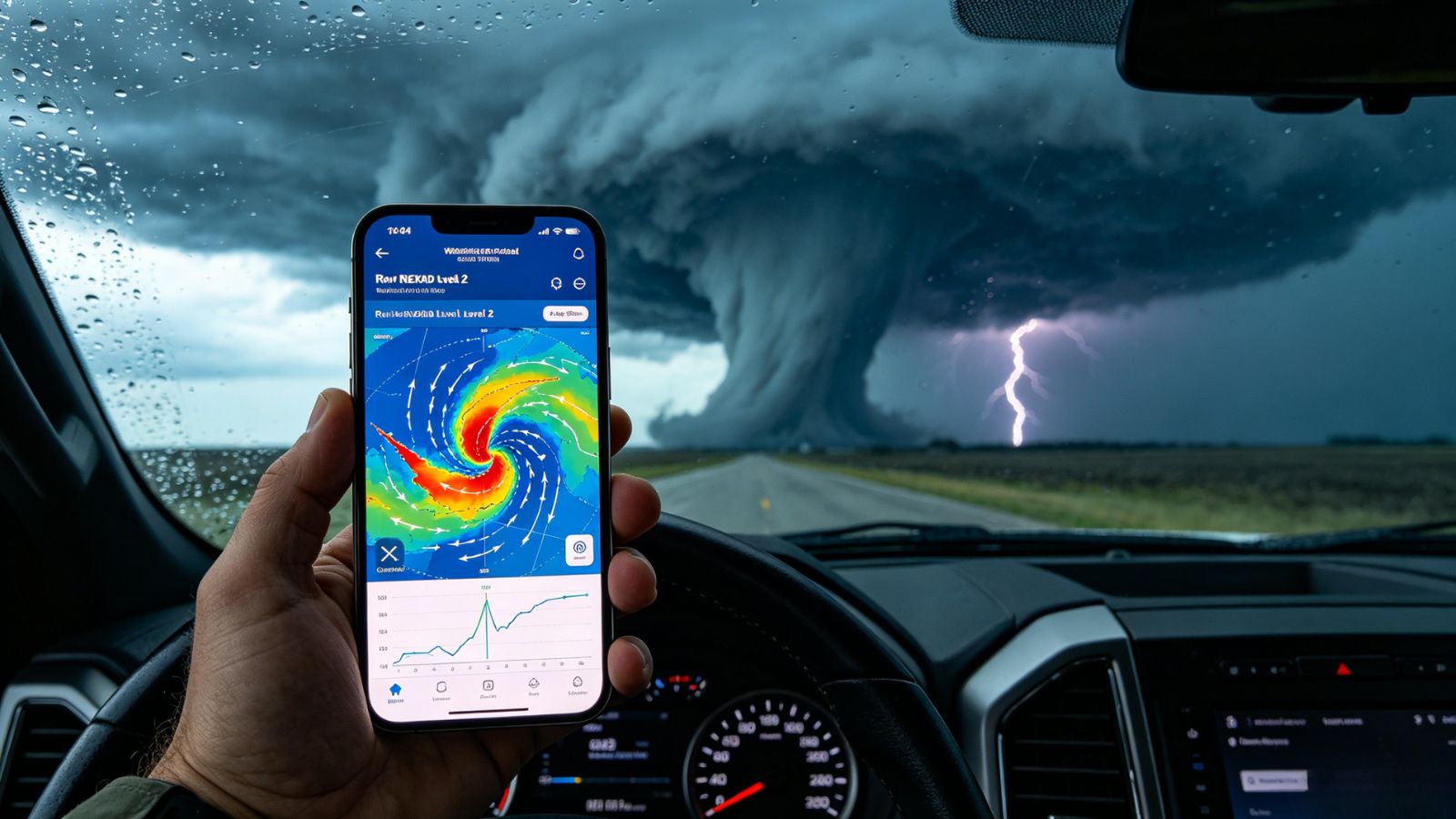
That’s the biggest problem with most consumer radar apps: they simplify the weather until the detail disappears. Radar updates lag behind fast-moving storms, important structure gets blurred into colorful blobs, and severe weather tracking turns into guesswork. The best radar apps do the opposite. They hand you the raw information and let you interpret the atmosphere yourself. After testing the major radar platforms across iOS and Android, a few clearly separated themselves from the pack. Some specialize in high-detail NEXRAD data, others shine with hyper-local rain timing or clean atmospheric visualization, and a couple look beautiful right up until the weather turns serious. These are the apps that actually deserve a permanent place on your home screen.
RadarScope is the app weather enthusiasts eventually end up using after they outgrow everything else.
There’s no fluff here. No cheerful cartoon suns. No “Weekend Vibes Forecast.” You open the app and immediately get raw radar data exactly the way meteorologists want to see it.
And that matters more than you’d think.
Most consumer apps smooth radar imagery to make storms look cleaner and easier to understand. RadarScope skips that entirely. It pulls directly from NOAA’s NEXRAD Level 2 and Level 3 feeds, which means you see storms with all their ugly little details intact — hook echoes, hail signatures, velocity rotation, debris indicators, the whole package.
When severe weather breaks out, that extra detail becomes incredibly valuable.
Storm chasers rely on it for a reason. The app loads quickly, remains stable under weak cellular conditions, and handles massive radar datasets without turning your phone into a laggy mess. Even switching between reflectivity, velocity, and correlation coefficient layers feels fast once you learn the workflow.
That said, RadarScope absolutely assumes you know what you’re looking at. Beginners opening it for the first time may feel like they accidentally wandered into a graduate meteorology lab.
The app requires an upfront purchase, with optional subscription tiers unlocking lightning data, extended loops, and archives.
True raw NEXRAD radar rendering without smoothing
Excellent velocity and dual-polarization products
Extremely reliable during active severe weather
Fast loading even on weaker mobile networks
Widely trusted by storm spotters and chasers
Steep learning curve for casual users
Important premium layers require subscriptions
If RadarScope feels like a precision instrument, RadarOmega feels more like a full mobile weather lab.
The app packs an absurd amount of information into a surprisingly polished interface. Dual-polarization radar products, HRRR forecast models, lightning data, storm tracks, atmospheric overlays — it’s all there, layered together in a way that makes serious weather analysis possible straight from your phone.
And honestly, RadarOmega shines when storms get complicated.
Trying to determine whether a radar signature represents hail, heavy rain, or mixed precipitation? The dual-pol tools help separate those quickly. Comparing live storm structure against short-term forecast models? RadarOmega handles that beautifully too.
There’s a little more visual refinement here compared to RadarScope. Menus feel smoother. The presentation is cleaner. But with that flexibility comes complexity. During fast-moving severe weather, navigating through multiple menus to swap products can occasionally slow you down at the exact moment you want speed.
The app starts with an upfront purchase, then layers additional features into subscription plans.
Excellent dual-polarization radar products
Strong forecast model integration
More modern visual presentation than RadarScope
Handles layered weather data very well
Menu navigation can feel cluttered during active storms
Key advanced layers still require subscriptions
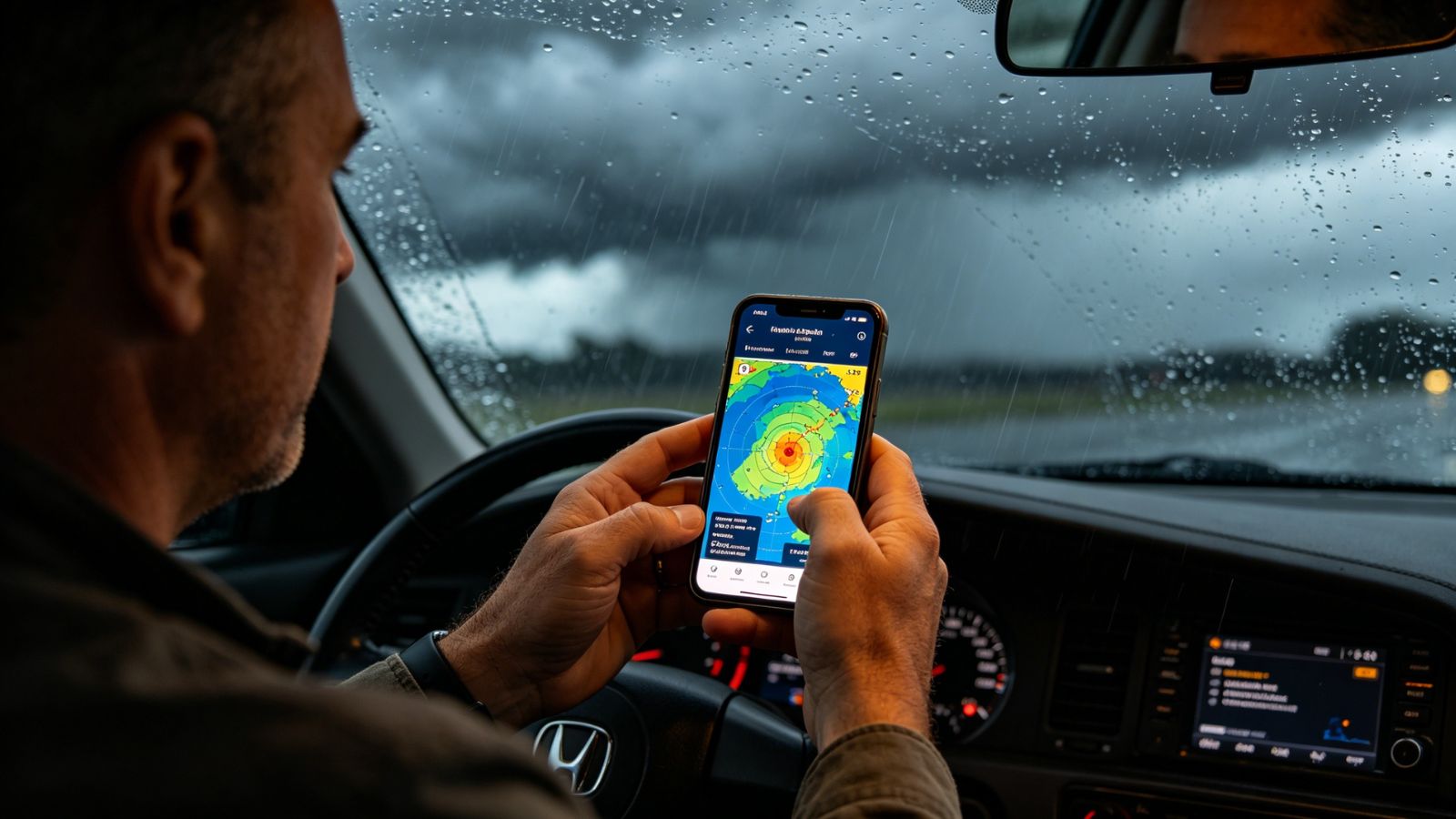
Windy takes a completely different approach.
This isn’t really a storm-chasing radar app. It’s an atmospheric visualization masterpiece.
Open it once and you immediately understand why weather enthusiasts love it. Wind streams flow across the globe like animated brush strokes. Pressure systems swirl across oceans. Jet stream patterns become visible in seconds. Instead of simply watching storms happen, you start understanding the environment feeding them.
That broader context is where Windy becomes addictive.
Layer radar over surface winds, CAPE values, cloud tops, or precipitation type maps and suddenly weather starts behaving less like random chaos and more like a living system you can actually read. It’s incredibly useful for tracking developing storm environments hours before radar signatures fully intensify.
The free version is already generous, and the premium subscription mainly expands forecast frequency and historical access.
Just keep expectations realistic: Windy’s radar imagery isn’t as raw or detailed as RadarScope or RadarOmega. It prioritizes visualization and accessibility over hardcore radar science.
Beautiful atmospheric visualization tools
Excellent layering system
Strong global coverage
Fantastic free version
Great for understanding storm environments
Radar detail lacks raw Level 2 precision
Huge number of layers can overwhelm beginners
MyRadar focuses on speed.
Not scientific purity. Not advanced meteorological analysis. Just fast, clean, hyper-local weather awareness.
And honestly? That’s incredibly useful.
The app launches almost instantly into an animated radar loop centered on your location. Rain approaching? You’ll know fast. Thunderstorm arriving in twenty minutes? The app does an excellent job communicating that without making you interpret complicated velocity products or storm-relative motion data.
Its nowcasting engine is the real standout feature. Few apps feel this responsive when tracking incoming rain bands or rapidly moving summer storms.
That simplicity comes with tradeoffs, though. The radar imagery uses noticeable smoothing, which strips away some of the finer structural details weather enthusiasts care about. If you’re trying to analyze storm rotation or diagnose hail cores, MyRadar starts feeling limited pretty quickly.
Still, for day-to-day practical awareness, it’s one of the fastest apps available.
Extremely fast radar loading
Excellent minute-by-minute rain tracking
Clean, intuitive interface
Affordable premium upgrade
Radar smoothing hides finer storm structure
Advanced weather products remain limited
Weather Underground’s biggest strength isn’t radar. It’s ground truth.
The app integrates data from an enormous network of personal weather stations scattered across neighborhoods, backyards, farms, rooftops, and schools. That means when radar suggests heavy rain in a particular area, you can often tap nearby stations and see actual real-time rainfall rates, temperatures, wind gusts, and pressure readings from people living directly under the storm.
That extra layer of validation becomes incredibly valuable during localized flooding or rapidly changing weather setups.
Radar alone can sometimes overestimate or underestimate what’s happening at ground level. Weather Underground helps bridge that gap by pairing radar imagery with live observational data.
The app itself feels more consumer-friendly than hardcore radar platforms, but there’s still plenty of depth for enthusiasts willing to explore.
Excellent personal weather station integration
Useful localized ground-truth verification
Good blend of radar and surface observations
Strong free functionality
Radar loops can occasionally lag
Some interface redesigns frustrated longtime users
If you care about weather casually, almost any radar app will get the job done.
If you genuinely love meteorology — the science, the structure, the thrill of interpreting storms in real time — RadarScope still sits at the top of the mountain.
Windy offers a broader atmospheric perspective. MyRadar is faster for quick daily use. RadarOmega arguably packs more modern features into its ecosystem. Weather Underground brings invaluable ground-level observations into the mix.
But RadarScope remains the purest radar experience available on mobile.
It trusts users enough to show the atmosphere without softening it first. No excessive smoothing. No simplified interpretations. Just raw, high-resolution radar data delivered quickly and reliably when conditions matter most.
And for weather enthusiasts, that’s the whole point. Sometimes you don’t want the app telling you what the storm is doing. You want to read the storm yourself.