

Every indie author loves the idea of writing anywhere. A scene gets drafted on a subway ride. A chapter breakthrough happens while waiting for coffee. You pull out your phone, open an app, and suddenly your story grows by another thousand words.
Writing on the move? Easy.
Formatting is where things get ugly.
Because turning raw chapters into a clean, bookstore-ready EPUB has traditionally been desktop territory. And if you've ever spotted a typo hours before launch day while away from your laptop, you know the feeling: mild panic mixed with frantic tapping.
The frustrating part is that readers rarely separate formatting from storytelling. A brilliant novel with broken chapter headers, weird spacing, or a table of contents that sends readers into the void? Expect reviews mentioning "sloppy formatting" before anyone talks about your plot twists.
For authors who run their publishing workflow from a phone or tablet, the question becomes simple: which apps can actually handle the final stretch?
After testing mobile-friendly writing tools, three stood above the noise. The focus wasn't just writing features—it came down to structure, formatting control, EPUB reliability, and whether these apps could realistically take a manuscript from rough draft to publishable file.
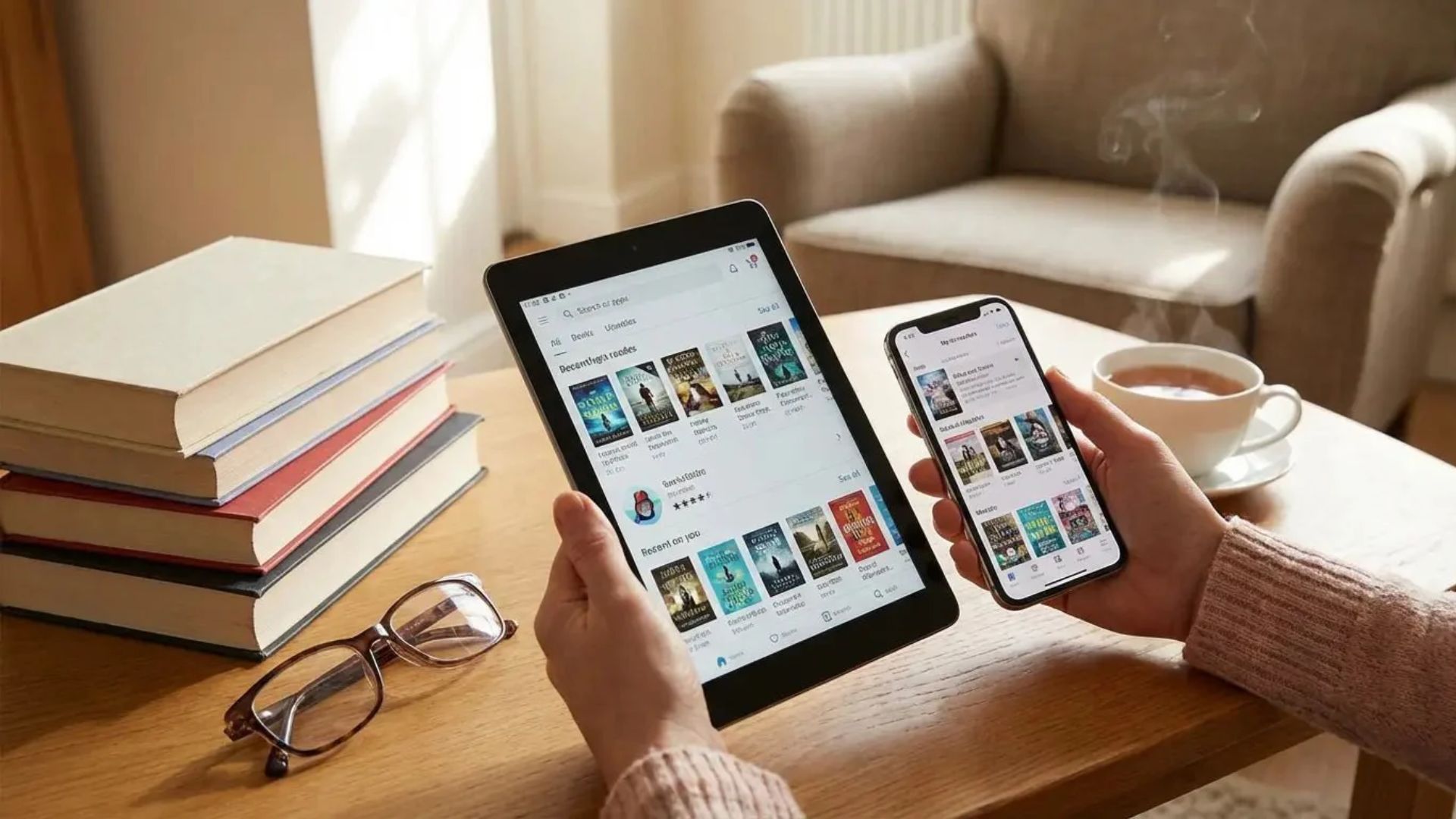
OS Availability: iOS
Pricing Model: One-time purchase: $23.99
Scrivener has earned a near-mythical reputation among novelists for one reason: it understands that books aren't one giant document.
They're messy.
Scenes move. Chapters split apart. Characters disappear for six drafts and come back later. Entire story arcs get rebuilt at 2 a.m.
Instead of forcing everything into one endless wall of text, Scrivener breaks your manuscript into smaller pieces through its Binder system. Chapters become folders. Scenes become movable building blocks.
And once you're ready to publish, the real heavy lifting starts.
Its Compile system can automatically turn those scattered pieces into something polished: chapter formatting, linked tables of contents, ebook structure—even little finishing touches readers expect but rarely notice unless they're missing.
The result feels surprisingly close to desktop-level control.
Pros:
· Works beautifully offline with no connection required
· Makes restructuring large manuscripts incredibly easy
· Creates clean EPUB files that generally play nicely with distribution platforms
Cons:
· New users often hit a wall with the Compile setup process
· Dropbox syncing occasionally requires careful attention to avoid conflicts
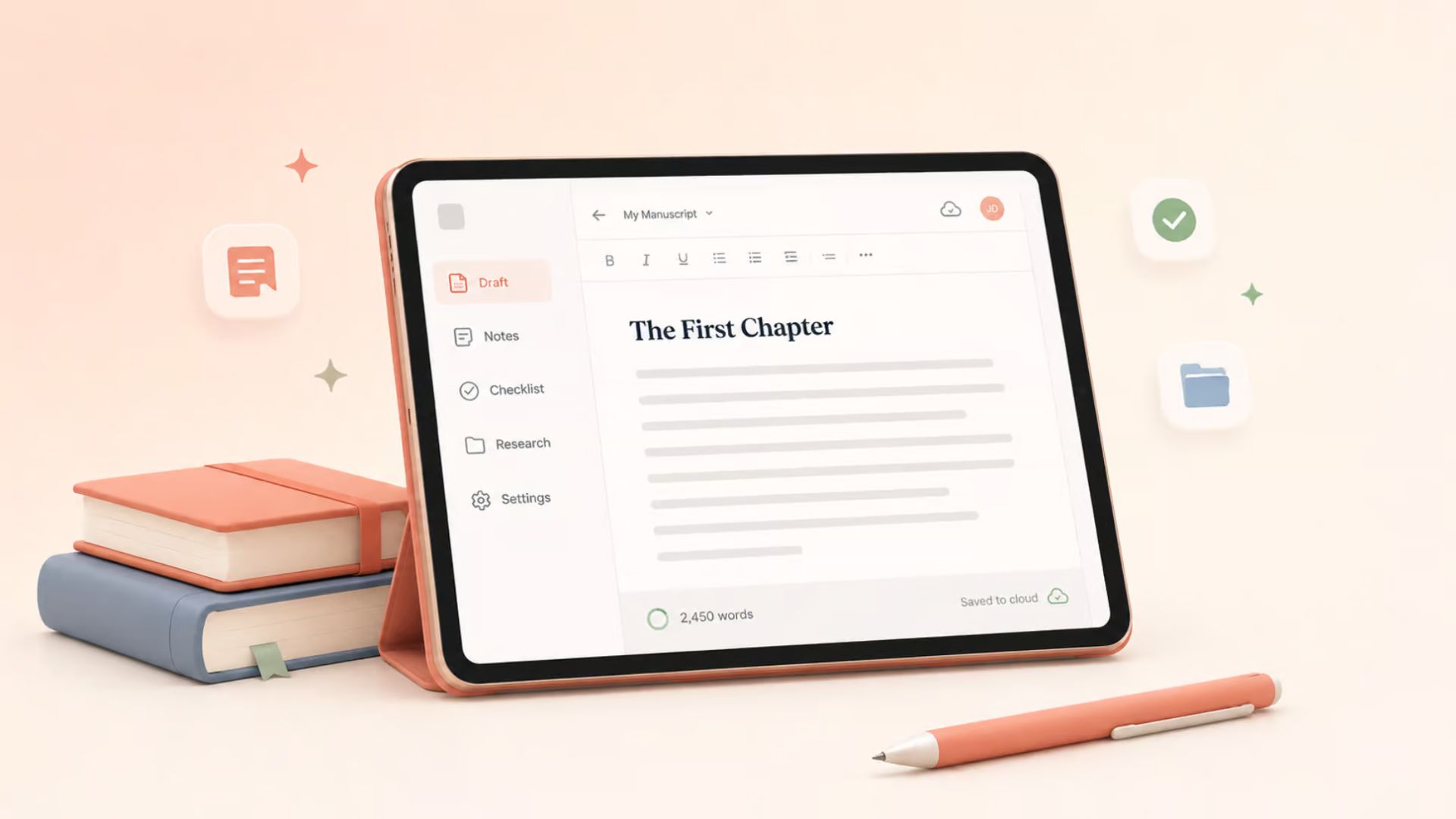
OS Availability: iOS
Pricing Model: $5.99/month or $39.99/year
Some writing apps feel like airplane cockpits.
Ulysses feels like a clean desk and a blank page.
At first glance, it almost looks too simple. Minimal interface. Quiet design. Nothing shouting for your attention. But beneath that calm exterior sits a surprisingly capable formatting engine.
Once your manuscript is finished, Ulysses lets you preview how your ebook may appear across different reading environments before exporting. You can experiment with typography styles, section dividers, and front or back matter without wrestling with technical settings.
For writers who'd rather think about pacing and character arcs—not EPUB mechanics—this simplicity becomes a huge advantage.
Less fiddling. More publishing.
Pros:
· Beautiful distraction-free design
· Seamless iCloud syncing between devices
· Live previews make final formatting much less stressful
Cons:
· Subscription pricing isn't for everyone
· Styling flexibility has limits if you want highly customized formatting
Pricing Model: Completely free
Finding a genuinely free app that doesn't immediately corner you with ads, subscriptions, or locked features feels strangely rare these days.
Novelist goes the other direction.
No ads. No paywall pop-ups. No "upgrade to unlock creativity" moments.
And despite being free, it packs in a surprising amount of structure. The app organizes projects through stages like plotting, outlining, scheduling, and manuscript building. Once everything comes together, you can fine-tune formatting details directly inside the export tools.
Spacing. Scene breaks. Indentation. Table of contents.
The controls are there.
The interface can feel a little dense at first—less sleek than Ulysses and less polished than Scrivener—but spend a little time with it and the flexibility starts showing itself.
Especially for Android users, it's hard to ignore.
Pros:
· Entirely free without ads or subscriptions
· Works well across phones and tablets
· Helpful metadata tools for managing scenes and story organization
Cons:
· Menu-heavy interface can take time to learn
· Finished designs lean practical over visually fancy
For writers building sprawling fantasy worlds, juggling multiple viewpoints, or managing huge manuscripts, Scrivener still earns its reputation. The amount of control it offers is hard to beat.
But not everyone wants that level of complexity.
If your goal is simple—finish the manuscript, make it look beautiful, publish it—Ulysses hits a sweet spot. Its clean interface and live previews remove a surprising amount of friction from the publishing process.
And for Android authors? Novelist remains one of those rare discoveries that makes you stop and think:
"Wait...this is free?"
Because at the end of the day, formatting shouldn't feel like a second job. You already wrote the book. The tools should help you cross the finish line—not become another obstacle standing in the way.