

Every parent knows how this goes. You say “five more minutes,” and somehow an hour disappears. A tablet mysteriously reappears under the blanket after bedtime. A teenager insists they were researching for school while TikTok quietly ate half the evening in the background. Screen time has become the modern family tug-of-war, except now the battle follows kids everywhere — phones in pockets, tablets in backpacks, laptops open in bedrooms long after everyone’s supposed to be asleep. And the reality is, most parents aren’t trying to eliminate technology entirely. Screens are tied to school, friendships, entertainment, and everyday communication now. They’re not optional anymore.
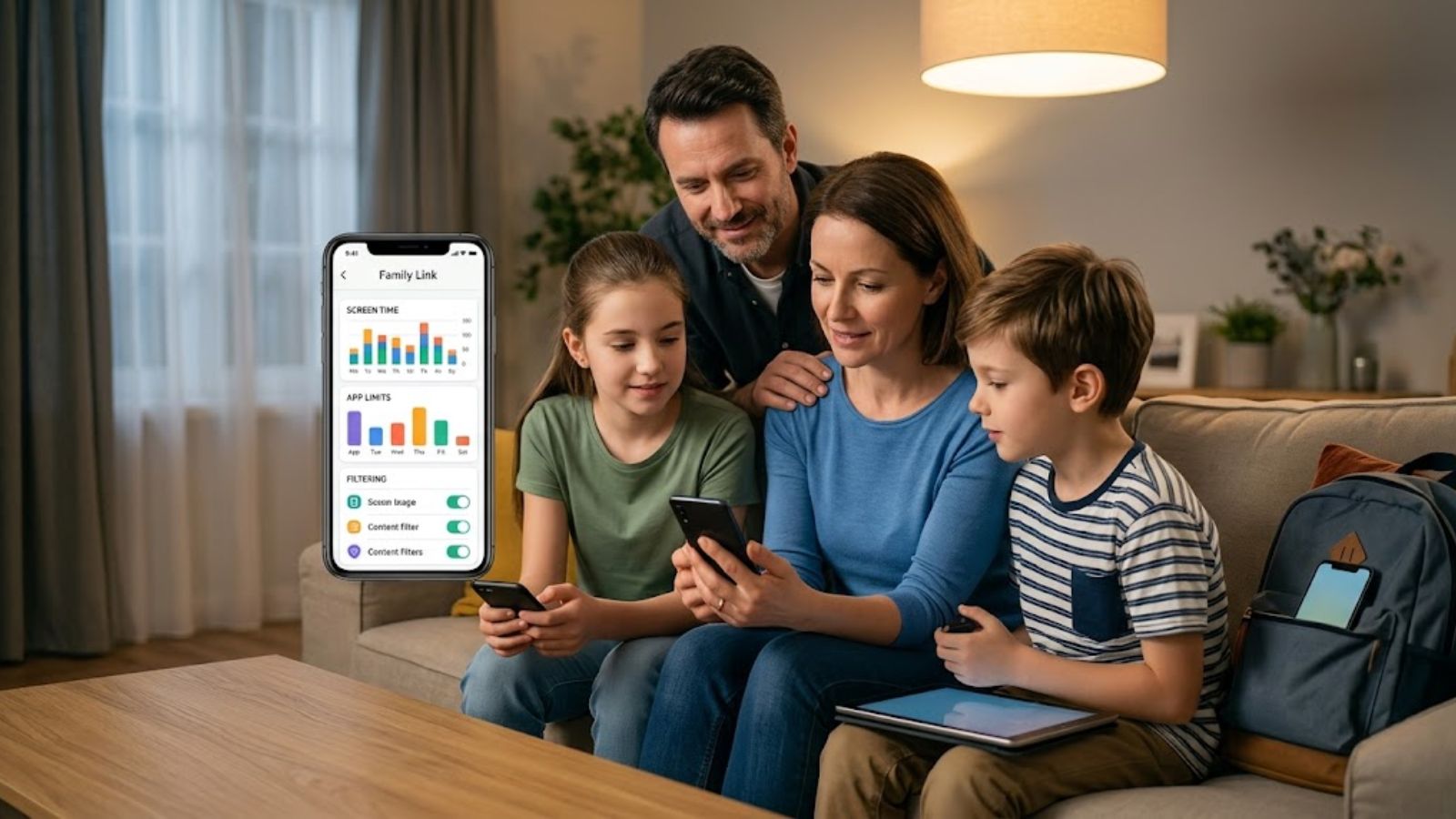
What most families actually want is balance — reasonable boundaries without turning the household into a surveillance operation. That’s why the better parental-control apps feel very different from the old “spy app” approach. The strongest tools today focus less on secretly monitoring every message and more on creating healthy habits openly: screen-time schedules, app limits, content filters, location check-ins, and enough visibility for parents to step in when something genuinely looks off. After testing the biggest parental-control platforms across iPhone and Android, a few apps clearly stood above the rest. Some excel at flexible scheduling, others are fantastic for content filtering or social-media monitoring, and a couple work especially well if your family already lives inside Apple or Google’s ecosystem. These are the apps that actually make digital parenting feel manageable instead of exhausting.
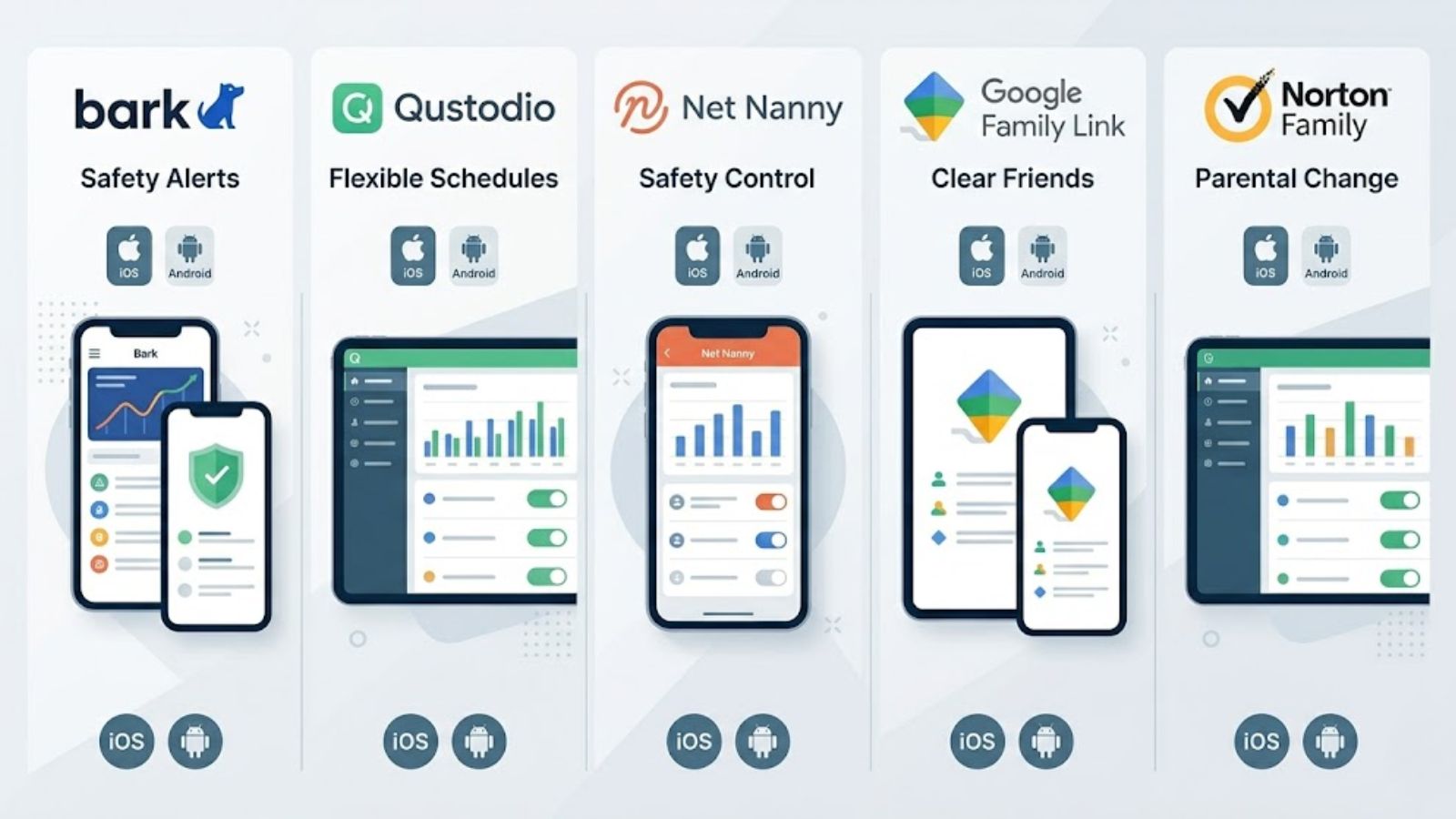
Bark approaches parental controls differently from most competitors, and honestly, that’s why so many parents swear by it.
Instead of letting you obsessively read every text message or hover over every conversation, Bark focuses on identifying actual danger signals. The app scans texts, emails, YouTube, and dozens of social platforms looking for things like bullying, predatory behavior, self-harm references, depression, or explicit content. If something concerning appears, then you get alerted.
That distinction matters.
You’re not micromanaging every emoji your kid sends to a friend. You’re stepping in when there’s a real safety issue.
Screen-time controls are solid too. You can set schedules, downtime hours, and web filters fairly easily. But Bark’s real strength is emotional and social monitoring, especially for older kids who spend most of their lives inside messaging apps.
The downside? Setting it up on iPhones can feel painfully complicated because Apple restricts background monitoring so aggressively. Android devices work much more smoothly.
Bark Jr., which focuses mainly on screen time and filtering, costs about $5 monthly or $49 annually. Bark Premium — the full monitoring suite — runs around $14 monthly or $99 yearly. Both plans cover unlimited devices.
Excellent at spotting serious issues without forcing parents to read every private conversation.
Covers a huge range of social apps and messaging platforms.
Unlimited-device pricing is fantastic for larger families.
iPhone setup can be frustratingly unreliable after system updates.
Better at alerting you after something happens than blocking behavior in real time.
Qustodio feels like the most balanced option for families who want practical control without drowning in complexity.
Its biggest strength is flexibility.
You’re not stuck with crude “2 hours per day” limits. Instead, you can build schedules around real life. Maybe games are blocked during school hours but allowed after dinner. Maybe social apps shut down at 9 PM while educational apps stay accessible longer. Qustodio handles those layered rules surprisingly well across both iPhones and Android devices.
The reporting dashboard is another win. It gives parents a clear snapshot of where screen time is actually going, which matters more than most people realize. Sometimes the issue isn’t “too much phone time.” It’s one app quietly consuming six hours a day.
The app doesn’t feel invasive, either. More like structured accountability.
There’s a limited free version, but most families will need Premium. Plans start around $54.95 annually for up to five devices. Unlimited-device plans run roughly $109.95 yearly.
Extremely customizable screen-time schedules.
Reliable performance across both Android and iOS.
Clean reports that make digital habits easy to understand quickly.
Web filtering isn’t quite as airtight as dedicated filtering apps.
Social-media monitoring is fairly limited outside YouTube.
Net Nanny has been around forever in internet years, and there’s a reason it survived while dozens of competitors disappeared.
Its web filtering is still among the best available.
Instead of relying entirely on static blacklists, Net Nanny actively analyzes websites in real time. That means newer harmful pages or explicit content can still get blocked even if they haven’t already been manually flagged somewhere.
For parents, this creates a much more dynamic layer of protection. You can also decide whether certain categories should trigger alerts versus outright blocking, which opens the door for conversations instead of constant punishment.
The screen-time tools are solid, though the interface definitely feels more functional than modern.
Plans start around $54.99 annually for five devices and go up to about $89.99 yearly for 20-device family coverage.
Excellent real-time web filtering that’s difficult for kids to bypass.
Works across iOS, Android, Mac, and PC devices.
Helpful family dashboard gives a quick overview of activity.
No meaningful social-media monitoring.
The interface feels dated compared to newer competitors.
If your kids primarily use Android phones or tablets, Google Family Link is incredibly hard to beat — especially considering it’s free.
Because Google controls the Android ecosystem itself, Family Link operates at the operating-system level rather than as a third-party workaround. That makes everything feel smoother and more reliable.
When screen time expires, the device locks immediately. No weird delays. No loopholes. If a child wants to install a new app, parents get notified instantly for approval.
It’s simple. Direct. Predictable.
For younger kids especially, that consistency matters more than fancy analytics dashboards.
The tradeoff is that Family Link isn’t particularly sophisticated when it comes to content analysis or advanced monitoring. It’s much more about device management than deep behavioral insight.
Completely free.
Probably the best free parental-control option available.
Native Android integration makes enforcement extremely reliable.
App download approvals work beautifully.
Web filtering is pretty basic.
Notifications can become repetitive fast.
Norton Family sits somewhere between screen-time manager and digital activity tracker.
Its biggest strength is context.
The app doesn’t just tell you how long your child spent online. It shows what they were searching for, what videos they watched, and which types of sites dominate their browsing habits. That broader picture often matters more than raw screen-time numbers.
The scheduling tools are dependable, and the geofencing features work well if location tracking matters to your family.
That said, the interface can feel dense at first. Parents who just want a quick, lightweight overview may find it slightly overwhelming.
Roughly $49.99 annually for unlimited devices. Also included in some higher-tier Norton security bundles.
Strong web activity reporting across multiple platforms.
Reliable screen-time scheduling.
Useful location tracking integrated into the same dashboard.
Doesn’t monitor direct social-media messaging.
Interface can feel cluttered for less tech-savvy parents.
The best parental-control app isn’t necessarily the strictest one. Usually, it’s the one your family can realistically live with long term.
For most households juggling a mix of iPhones, Android devices, school apps, and constantly shifting schedules, Qustodio probably offers the best overall balance. It’s flexible, stable, and detailed without crossing too far into invasive territory.
Families deeply invested in Android should absolutely look at Google Family Link first, especially because it costs nothing. Parents focused heavily on online safety and emotional warning signs will likely prefer Bark.
But honestly, no app replaces communication. The strongest digital habits still come from conversations — awkward ones, ongoing ones, sometimes repetitive ones — about boundaries, trust, and balance.
The software just helps reinforce the rules you’re already trying to teach.