

Most people still assume phishing threats primarily land in email inboxes. That mindset no longer holds true.
SMS phishing — commonly called smishing — has skyrocketed in recent years. Text messages feel personal, immediate, and trustworthy to most users. Scammers exploit that instinct relentlessly, spoofing legitimate brands to trick people into clicking dangerous links. They now impersonate major banks, delivery services, toll authorities, government agencies, retail stores, mobile carriers, and even official two-factor alert systems.
Email spam gets filtered automatically for the most part. Texts do not. Users open incoming SMS messages without a second thought, even when they’re unsolicited. Modern smishing scams are incredibly polished too. Fake USPS tracking alerts, unpaid toll notifications, Amazon delivery failure warnings, banking security alerts, and urgent account verification prompts all look eerily legitimate at a glance.
This is why dedicated anti-phishing mobile apps are essential in 2026. Top-tier tools do far more than block annoying robocalls. They actively scan and flag threats by analyzing suspicious URLs, anomalous SMS behavior patterns, globally recognized scam databases, unique fraud signatures, malicious domain records, and subtle behavioral spam red flags.
This roundup features fully functional, actively maintained apps available on iOS and Android that specifically target phishing links embedded in spam text messages. Every tool was evaluated on SMS phishing detection accuracy, real-time link-scanning performance, spam filter precision, live threat intelligence quality, user privacy practices, everyday usability, and transparent pricing structures.
One key detail to note: iOS restricts third-party app access to SMS data far more strictly than Android. This means Android tools deliver more robust, hands-on protection, while iPhone apps operate within tighter system limits. Even so, several standout apps deliver reliable protection across both platforms.

Availability: iPhone, Android
Pricing: Subscription-based; limited free features available on select platforms
Bitdefender stands tall as one of the most capable mobile anti-phishing tools on the market today. Its dedicated Scam Alert feature targets risky links popping up in SMS threads, third-party messaging apps, and push notifications — covering far more entry points than basic spam filters.
On Android, the app actively monitors incoming messages in real time, flagging suspicious URLs and blocking malicious pages before they load. It bundles industry-standard malware scanning, comprehensive web protection, and account privacy monitoring that checks for leaked credentials across data breach databases.
Its greatest strength is speed. Newly registered scam domains and trending phishing links get flagged almost instantly, stopping threats before users can interact with them. The tradeoff is accessibility: full anti-phishing and security functionality sits behind a paid subscription, and iOS protections are noticeably scaled back due to Apple’s system restrictions. It also delivers a full antivirus suite, which may feel excessive for users who only need text scam protection.
Industry-leading phishing link detection accuracy
Fast, real-time global threat intelligence updates
Robust, active SMS protection for Android devices
Near-instant warnings for malicious URLs
Backed by a reputable, award-winning cybersecurity brand
Full protective features require a paid subscription
iOS functionality is limited by system restrictions
Comprehensive antivirus suite may be overkill for casual users
Users who want rigorous, all-around mobile phishing protection that goes beyond basic spam filtering.
Availability: iPhone, Android
Pricing: Free core features; premium subscription unlocks advanced tools
Truecaller is famous for its caller ID and robocall blocking, but its SMS security features have evolved dramatically in recent years. It now reliably spots scam message patterns, fraudulent sender profiles, embedded phishing links, and emerging mass spam campaigns with impressive consistency.
Its biggest competitive advantage is scale. Powered by a massive global crowdsourced database with millions of active users reporting scams daily, new phishing trends get flagged within hours of going viral. The app automatically sorts suspicious messages, hides high-risk spam threads, and clearly labels potentially fraudulent content to prevent accidental clicks.
The main downside stems from its core functionality. To identify callers and filter spam, the app collects user contact and caller data, which raises legitimate privacy concerns for security-focused individuals. Free users also encounter frequent ads and persistent premium upgrade prompts.
Elite-level spam call and scam text detection
Unmatched crowdsourced global scam database
Sharp, reliable phishing link identification
Essential spam protection tools stay completely free
Fully functional cross-platform support
Data collection practices raise privacy red flags for some users
Free version contains frequent in-app advertisements
Aggressive premium subscription upsells
Anyone flooded with daily spam calls and scam text messages who wants all-in-one filtering.
Availability: iPhone, Android
Pricing: Free basic version; premium subscription unlocks full protection
Malwarebytes takes a no-fluff approach to mobile security. It skips unnecessary gimmicks and bloated extras to focus entirely on what matters most: blocking malware, phishing links, and scam content.
Its mobile toolkit includes robust malicious link scanning, proactive scam website blocking, dedicated phishing defenses, Android-exclusive SMS filtering, and real-time browser protection. Unlike many mainstream mobile security apps that double as ad-ridden phone cleaners, Malwarebytes built its reputation on rigorous threat detection and malware remediation.
The app remains lightweight and unobtrusive in daily use, with far less bloat than competing security suites. That said, its most powerful protection features lock behind a premium upgrade. iOS limitations also restrict its ability to deeply scan and filter SMS content, and it lacks the diverse bonus tools found in Bitdefender’s full suite.
Precise, reliable anti-phishing defenses
Lightweight performance with minimal system drain
Strong longstanding reputation in professional cybersecurity circles
Effective blocking for malicious websites and scam domains
Far less aggressive upselling than rival security apps
Premium plan required for maximum threat protection
iOS system limits weaken SMS-level filtering capabilities
Fewer bonus features compared to full-service security suites
Users who want streamlined, effective anti-phishing protection without unnecessary extras or bloat.
Availability: iPhone, Android
Pricing: Subscription-only access with a free trial period
Robokiller made its name blocking relentless robocalls, but its SMS scam filtering has evolved into a powerful tool for fighting text-based phishing. It combines AI-powered predictive analysis, comprehensive scam number databases, and behavioral message detection to flag high-risk content.
The app excels at identifying common real-world scam formats, including fake delivery alerts, financial fraud attempts, false toll payment notifications, and fraudulent identity verification prompts. Its biggest strength is hands-off automation. Once configured, it silently filters out masses of spam and phishing texts with zero daily input required.
The primary downside is cost. Its subscription rates sit higher than most competing tools. It also prioritizes call blocking above text phishing defense, and occasional false positives may flag legitimate messages as spam.
Powerful, accurate spam text filtering
Industry-leading robocall blocking performance
Smart AI-driven scam pattern recognition
Fully automated, low-maintenance protection
Premium subscription pricing is relatively expensive
Occasional false positive spam flags
Optimized more for call blocking than dedicated phishing defense
Users inundated with nonstop spam calls and text-based scam attempts.
Availability: Android
Pricing: Completely free
Google Messages flies under the radar for many users, but its built-in security tools are surprisingly robust. Powered by Google’s machine-learning threat systems, the default SMS app automatically detects suspicious messages, flags potential phishing links, and displays clear scam warnings directly within your text threads.
Because Google controls both the Android operating system and its native messaging infrastructure, its spam and phishing detection has improved exponentially over the last few years. The best part? It requires no third-party downloads, no subscriptions, and no complex setup.
It’s not as aggressive or customizable as dedicated cybersecurity apps, though. It lacks advanced manual filtering controls and granular threat reporting. Even so, it offers baseline protection strong enough for the average casual Android user.
100% free with zero hidden costs
Native Android integration with seamless background operation
Automatic real-time spam and phishing warnings
No manual configuration required
Extremely lightweight and unobtrusive
Exclusive to Android devices
Limited customization compared to dedicated security apps
No advanced threat management tools
Android users who want reliable baseline spam protection without extra apps or subscriptions.
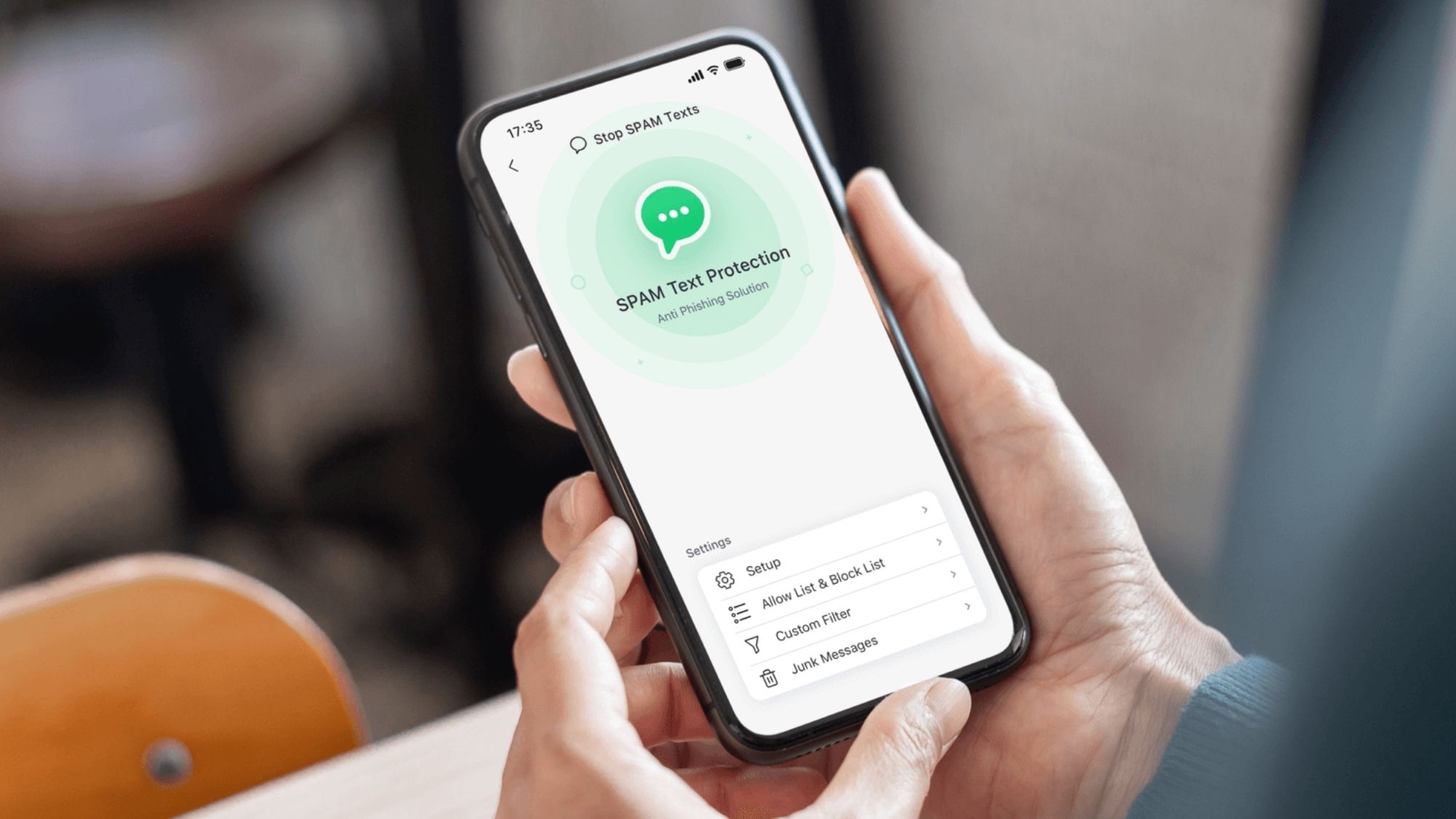
For users prioritizing powerful, dedicated phishing link protection, Bitdefender Mobile Security delivers the most comprehensive coverage in 2026 — especially on Android. Its real-time link analysis, proactive scam detection, and layered web security outperform basic spam blockers by a wide margin.
Best Overall Anti-Phishing Protection: Bitdefender Mobile Security
Best Free Built-In Android Protection: Google Messages
Best Combined Call & SMS Spam Defense: Truecaller
Best Lightweight Minimalist Security App: Malwarebytes Mobile Security
Best Automated Spam Filtering: Robokiller
Nearly all successful SMS phishing attacks rely on one simple trick: manufactured urgency. Scammers craft messages that pressure you to act fast, preying on fear of missed deliveries, frozen bank accounts, unpaid toll fees, security breaches, tax penalties, or expired account verification.
Worse, modern scam URLs are incredibly convincing. Domains like usps-track-help.com, secure-chaseverify.net, and ezpass-alerts-pay.com look legitimate at first glance, tricking distracted users into clicking harmful links.
No app offers perfect protection. New scam domains launch every day, and attackers constantly tweak their tactics to evade detection. The safest 2026 defense strategy combines automated spam filters, real-time link scanners, native messaging protections, and consistent user skepticism toward any urgent unsolicited text.
SMS phishing is no longer just a minor annoyance. It’s a top entry point for modern identity theft, credential hacking, and mobile financial fraud — making reliable text anti-phishing tools essential for every smartphone user.