

At some point, a lot of us quietly become the unofficial project manager of our parents’ lives. It rarely happens all at once. First it’s a reminder about a prescription refill or a quick call to schedule a doctor’s appointment. Then suddenly you’re coordinating cardiology visits, physical therapy sessions, insurance paperwork, medication updates, and a family group chat where nobody seems to have the latest information. Meanwhile, your own life keeps moving at full speed — work deadlines, kids, groceries, bills, and the constant feeling that there just aren’t enough hours in the day. The old system of sticky notes on the refrigerator and handwritten calendars falls apart fast once multiple doctors, medications, and caregivers enter the picture. And when something important slips through the cracks, the consequences can be serious.
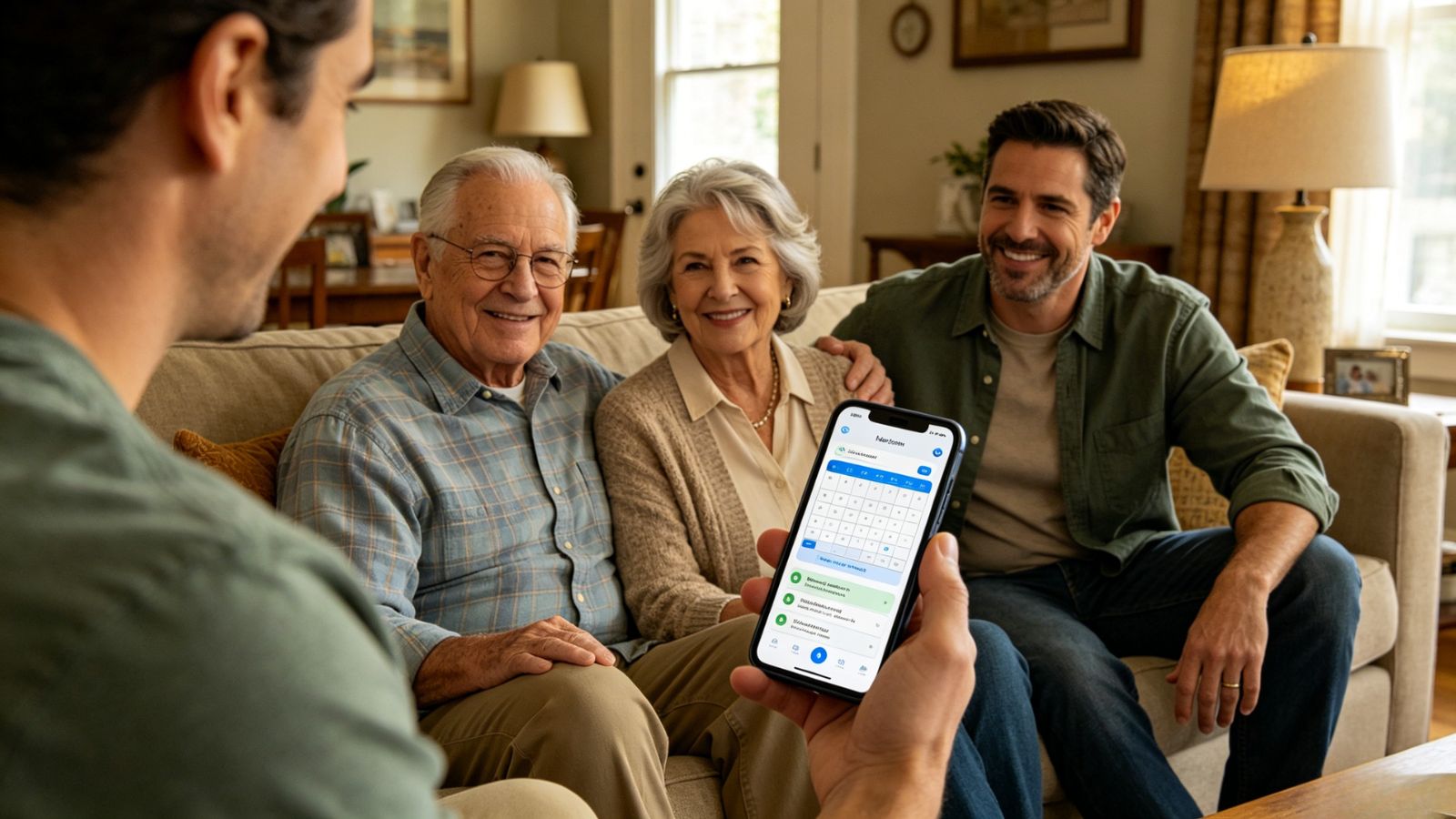
That’s why the best caregiving apps today feel less like traditional health apps and more like shared family command centers. The good ones reduce chaos instead of adding another layer of stress. They keep medication schedules organized, make appointment coordination easier, centralize medical information, and help multiple family members stay aligned without endless phone calls and repeated updates. After testing a wide range of caregiving platforms across iPhone and Android, a few apps separated themselves from the pack immediately. Some excelled at family communication. Others handled medication tracking or appointment management especially well. A couple stood out simply because they understood an important truth: caregivers are already overwhelmed, and technology should make life lighter, not more complicated. These are the apps that genuinely help families care for aging parents with a little more clarity, coordination, and peace of mind.
Caring Village feels less like a calendar app and more like a shared operations hub for families.
Its biggest strength is the way it handles tasks tied to medical appointments. Instead of simply adding “Mom’s cardiologist appointment” to a calendar, you can create connected responsibilities around it—who’s driving, who’s attending, who’s handling pickup afterward, and who’s updating medication notes.
Family members can claim tasks directly inside the app, which cuts down on the endless “Can someone take this?” text chains that usually happen in caregiver groups.
The app also includes “Julia,” a built-in AI caregiving assistant designed to answer non-emergency eldercare questions and help families navigate common issues in real time. Surprisingly useful when you’re overwhelmed and just need a quick answer without digging through forums at midnight.
There’s a free version, but it’s limited to one care group and two members. Realistically, most families will outgrow it quickly.
Paid plans start at:
Circle Plan: $14.99/month for up to 5 members
Village Plan: $24.99/month for larger care networks with up to 50 people
Excellent for multi-person caregiving coordination
Makes transportation and appointment logistics much easier to delegate
Built-in AI support adds real value during stressful situations
Secure document sharing keeps medical information centralized
The interface feels a bit stiff compared to newer consumer apps
The free version is restrictive enough that most families will need a subscription fairly quickly
Lotsa Helping Hands shines when caregiving expands beyond immediate family.
Maybe neighbors want to help. Maybe church friends keep asking what they can do. Maybe extended relatives are willing to pitch in but need structure. This app handles that beautifully.
Its volunteer scheduling system is incredibly simple, which is exactly why it works. You can post requests for rides, meal deliveries, grocery runs, or companionship visits, and people can sign up for open slots through a visual calendar without confusion.
No training required. No tech expertise needed.
That simplicity matters more than you’d think when some volunteers are older adults themselves.
Completely free.
No subscription walls. No premium upgrades.
Extremely easy for volunteers and non-technical users
Great for organizing community-based caregiving support
Includes a shared guestbook for updates and encouragement
Ideal for meal trains and transportation coordination
Very limited medical management tools
No serious medication tracking or secure health-document storage
Notifications can become overwhelming if you have a large care network

If your parent takes multiple medications every day, Medisafe can become indispensable fast.
This app focuses almost entirely on medication management—and honestly, that focus is its superpower.
You enter medications, dosages, and schedules, and the reminder system works exceptionally well. But the feature caregivers really care about is “Medfriend.”
If your parent misses a scheduled dose, you get notified immediately.
That one feature changes everything. Instead of constantly wondering whether medications were taken correctly, you actually know. For families managing diabetes, blood pressure medication, heart conditions, or memory decline, that peace of mind is huge.
The app also includes refill reminders, drug interaction warnings, and pharmacy integrations that make managing complex medication schedules far less error-prone.
The free version is severely limited—only two medications max.
For most eldercare situations, you’ll need Medisafe Premium:
$4.99/month
$39.99/year
Outstanding medication reminder system
Missed-dose alerts for caregivers are genuinely valuable
Helpful interaction warnings and refill tracking
Strong pharmacy integrations
The free version is too limited for most seniors
Doesn’t handle broader caregiving logistics like appointments or transportation
CaringBridge solves a different problem entirely: communication exhaustion.
When a parent is hospitalized, recovering from surgery, or dealing with a serious diagnosis, the caregiver often becomes the family spokesperson by default. That means repeating the same medical updates over and over again to relatives and friends.
CaringBridge centralizes all of that.
Instead of sending dozens of texts and calls, you post one update in a shared journal. Everyone stays informed in one place, and loved ones can leave supportive messages or coordinate practical help like meals and visits.
It removes an enormous emotional burden during already stressful moments.
Completely free.
The platform runs as a nonprofit supported by donations, which is refreshing.
Excellent for medical updates during crises or recovery periods
Reduces repetitive communication with extended family
Emotional support features feel thoughtful instead of performative
No ads or subscription pressure
Weak as a logistics platform on its own
Better for communication than scheduling or care coordination
Shared updates may feel too broad for families that prefer tighter privacy controls
Ianacare stands out because it recognizes something most caregiving apps ignore:
The caregiver is struggling too.
Yes, the app includes calendars, care circles, and coordination tools. But its real strength is caregiver support. It actively tries to reduce burnout instead of simply organizing tasks.
Inside the platform, you’ll find access to care resources, emotional wellness support, educational guidance, and professional navigation services alongside the usual scheduling tools.
The interface also deserves credit. Unlike many healthcare apps that feel cold and clinical, ianacare feels calm. Human. Almost restorative.
And when you’re overwhelmed, design actually matters.
Core features are free.
Some advanced support services are unlocked through employer programs or participating insurance plans.
One of the few apps designed with caregiver mental health in mind
Clean, modern interface that feels approachable
Helpful educational and professional support resources
Good balance between logistics and emotional support
Task delegation isn’t quite as polished as Caring Village
Some of the strongest features depend on employer or insurance partnerships
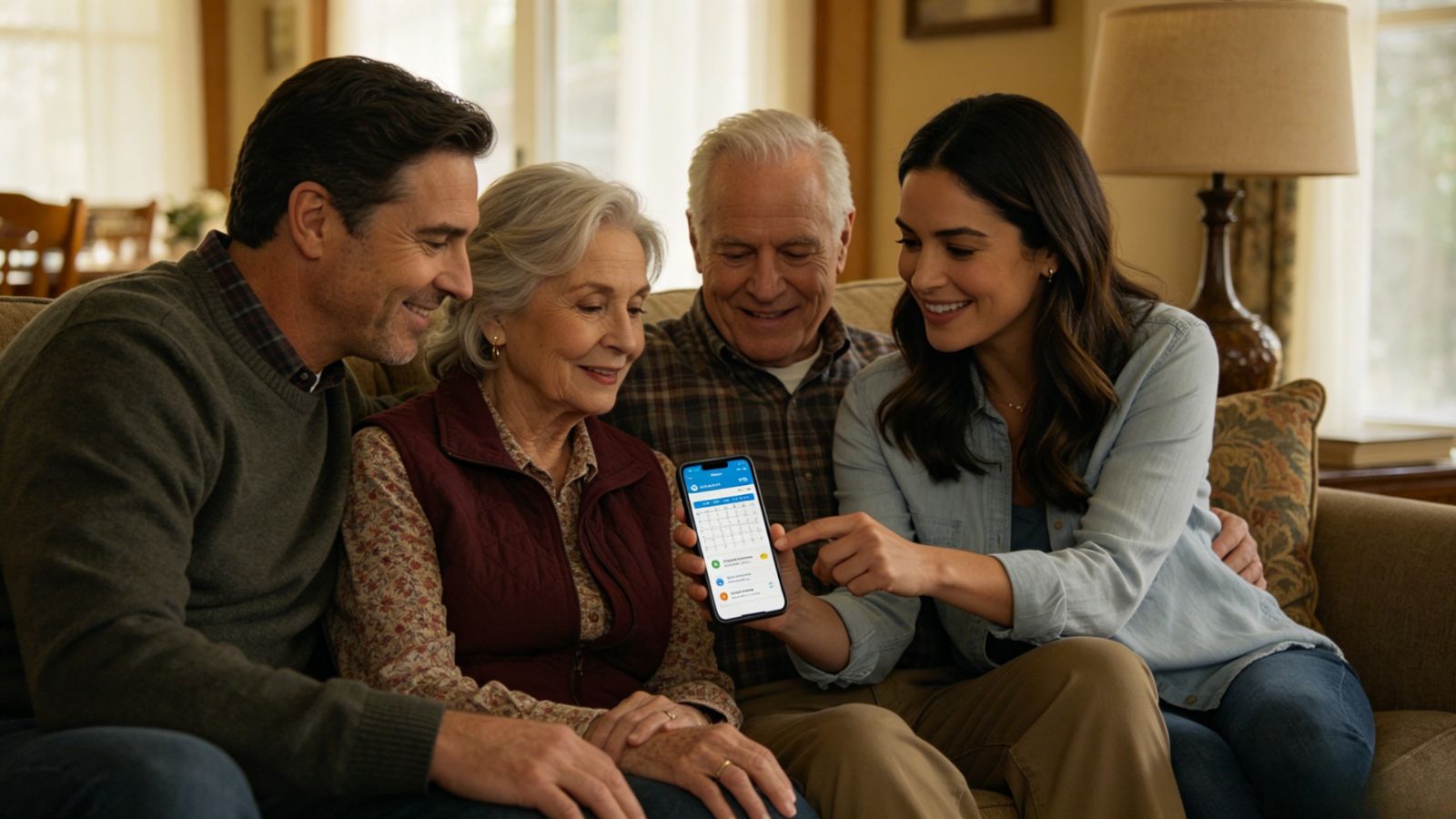
No single app handles every part of eldercare perfectly because caregiving itself is messy. One app may excel at medications, another at emotional support, another at organizing volunteers.
But if you’re looking for the best overall system for coordinating appointments, managing family responsibilities, and keeping everyone aligned, Caring Village comes closest to being a true caregiving command center.
Medisafe is probably the strongest medication-management app in the group. Lotsa Helping Hands is fantastic for community support. Ianacare does an excellent job acknowledging caregiver burnout, which most platforms completely overlook.
Still, Caring Village ties the moving pieces together better than the others.
The ability to turn medical appointments into assignable, trackable family tasks sounds simple on paper. In practice, it solves one of the biggest failure points in eldercare: assuming someone else is handling it.
When families are stretched thin, clarity matters. A lot.
And sometimes the most valuable thing an app can do isn’t save time. It’s helping everyone breathe a little easier.