

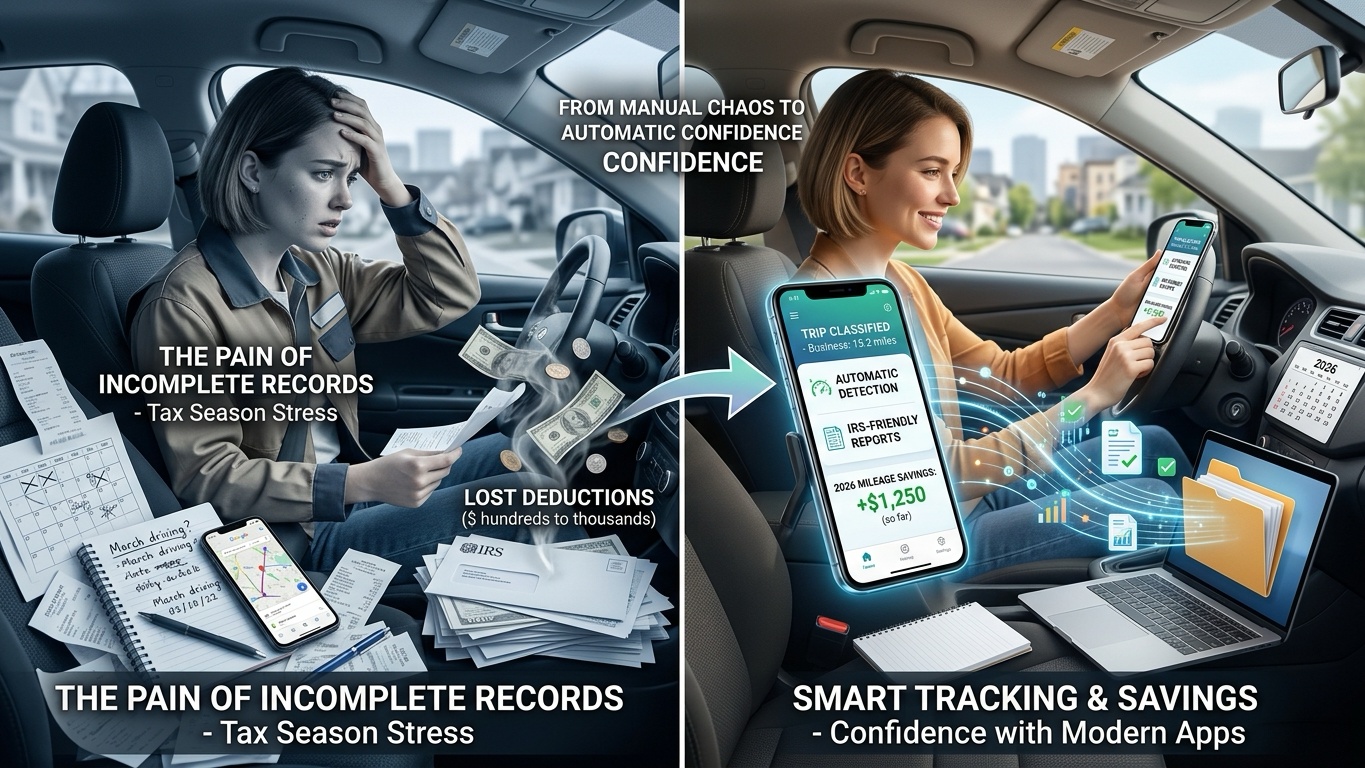
Every year around tax season, freelancers, real estate agents, delivery drivers, and small business owners discover the same painful truth: they have lost hundreds — sometimes thousands — of dollars in legitimate tax deductions simply because they failed to track their business mileage properly.
It usually starts with good intentions. Maybe you keep a notebook in the glove compartment for a few weeks. Maybe you rely on your memory, old calendar entries, or Google Maps Timeline to reconstruct trips later. But once work gets busy, the records become incomplete fast. And when the IRS expects detailed logs that include dates, destinations, and mileage totals, “I think I drove there sometime in March” is not going to hold up very well.
Fortunately, mileage tracking apps have become dramatically better over the last few years. The best modern apps can now detect drives automatically, classify trips with minimal input, generate IRS-friendly reports, and even connect directly to expense-tracking or accounting systems.
To figure out which apps are genuinely useful in everyday business life — and which ones create more admin work than they solve — we tested the leading mileage trackers across Android and iPhone devices during several weeks of real driving. We looked closely at GPS accuracy, battery drain, ease of use, reporting quality, and how well each app handled real-world scenarios like short delivery runs, multi-stop client visits, and mixed personal/business driving.
Here are the four mileage tracking apps that stood out the most in 2026.
MileIQ continues to dominate one specific category better than almost anyone else: effortless automatic mileage tracking.
If your biggest problem is simply remembering to track your trips consistently, MileIQ is probably the easiest solution available right now. The app runs quietly in the background and automatically detects when you start driving. There is no need to manually hit a “Start Trip” button every time you leave the driveway.
What makes MileIQ so effective is how simple the review process feels. After a drive is recorded, the app places it into a clean feed where you swipe right for business trips and left for personal trips. That sounds trivial, but in practice, it removes a huge amount of friction from mileage logging.
Over time, the app also learns your habits. If you regularly drive from home to a specific office or customer location, MileIQ can automatically classify those routes for you in the future.
During testing, the GPS accuracy was excellent in both city driving and suburban routes. It also handled stop-and-go driving surprisingly well without splitting trips incorrectly.
The reporting system is another strong point. Exporting IRS-ready mileage logs as PDF or CSV files only takes a few taps, which makes tax preparation much less painful.
Extremely easy to use
Reliable automatic trip detection
Minimal setup required
Fast swipe-based classification system
Clean export reports for accountants or tax filing
Focused almost entirely on mileage rather than broader expense tracking
Free version is very limited
Subscription pricing has increased noticeably in recent years
Free plan includes up to 40 drives per month. Unlimited tracking typically costs around $8.99/month or discounted annual pricing depending on platform promotions.
For freelancers and gig workers, mileage is usually only one piece of the financial puzzle. You are probably also dealing with fuel costs, tolls, receipts, equipment purchases, and quarterly tax estimates.
That is where Everlance separates itself from simpler mileage-only apps.
Instead of acting purely as a trip logger, Everlance tries to function as an all-in-one financial tracking system for self-employed workers. The app combines automatic mileage detection with expense tracking, receipt scanning, and bank transaction imports.
In real-world testing, Everlance performed especially well for delivery-style workflows with lots of short trips throughout the day. Some mileage apps struggle with repeated stops or accidentally merge separate drives together. Everlance handled multi-stop routes more consistently than most competitors we tested.
The ability to connect bank accounts is also genuinely useful. Fuel purchases, tolls, and maintenance expenses can appear automatically alongside your mileage logs, making it easier to maintain organized records throughout the year instead of scrambling during tax season.
The app also estimates potential tax deductions in real time, which can be surprisingly motivating when you see how much money your mileage may actually save.
Combines mileage tracking with expense management
Excellent for gig workers and freelancers
Reliable handling of short, repeated trips
Receipt scanning and bank syncing reduce manual work
Helpful quarterly tax estimate tools
Can feel feature-heavy for users who only want simple mileage logs
Free plan runs out quickly for full-time drivers
Background syncing occasionally struggles with aggressive Android battery-saving settings
Free tier includes around 30 automatic trips monthly. Premium plans generally cost about $8.99/month or lower annual pricing.
TripLog is probably the most customizable mileage tracker on this list, and that flexibility is exactly why many experienced business users love it.
While apps like MileIQ prioritize simplicity, TripLog focuses more on precision and control. It offers multiple ways to trigger trip tracking, including GPS detection, Bluetooth vehicle connections, power cable detection, and even optional hardware beacons.
That flexibility matters more than you might think.
One of the most frustrating problems with automatic mileage apps is accidental tracking — for example, when you are riding in someone else’s car or taking public transportation. TripLog solves much of this by allowing tracking to begin only when your phone connects to your vehicle’s Bluetooth system.
During testing, the Bluetooth-trigger system worked extremely well and noticeably reduced false trip recordings.
TripLog also includes features aimed at businesses managing multiple vehicles or reimbursing employee mileage. Fuel economy tracking, maintenance logs, and reimbursement settings make it feel more like a professional fleet tool than a simple consumer app.
The tradeoff is complexity. The interface is functional, but it definitely feels more technical and less polished than some competitors.
Highly customizable tracking triggers
Excellent battery efficiency with Bluetooth tracking
Strong support for multi-vehicle businesses
Useful maintenance and fuel tracking tools
Good reimbursement features for teams
Interface feels dated compared to newer apps
Larger learning curve for beginners
More settings than casual users may actually need
Manual tracking is free. Automatic tracking plans generally start around $4.99/month.
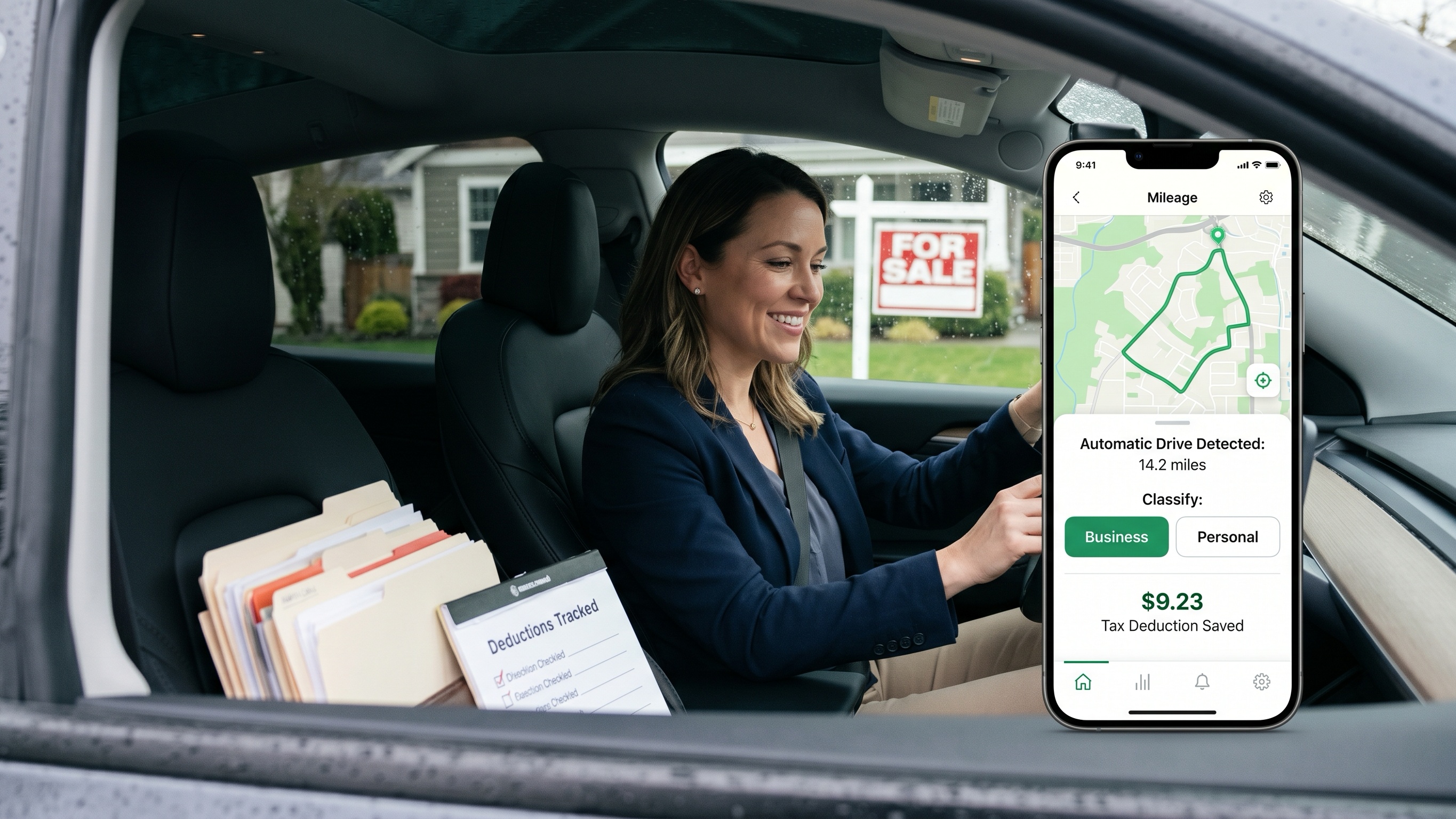
QuickBooks for Business is designed for people who want mileage tracking to live inside a larger financial system instead of using a separate standalone app. Rather than focusing only on trip logging, it combines mileage tracking with invoicing, bookkeeping, expense management, and tax organization in one ecosystem.
For freelancers and small business owners already using QuickBooks, that integration can save a surprising amount of time.
During testing, the app handled automatic mileage detection consistently well. Trips were usually captured accurately in the background, and business drives could be categorized quickly without much manual cleanup afterward.
What makes the experience stand out is what happens after the drive is logged. Once a trip is marked as business-related, the estimated deduction is automatically added to your accounting records and tax calculations using current IRS mileage rates. Instead of exporting reports between multiple apps, everything stays connected inside the same workflow.
That integration becomes especially useful if you already rely on QuickBooks for invoices, expense tracking, or quarterly tax estimates. Mileage data flows directly into the broader bookkeeping system, which reduces duplicate entry and lowers the risk of missing deductions later.
The tradeoff is that QuickBooks is much larger than a typical mileage-only app. Because the platform constantly syncs accounting data in the background, battery usage was noticeably heavier compared to lightweight trackers like MileIQ. The interface can also feel overwhelming if your only goal is tracking business drives.
Strong integration with bookkeeping and accounting tools
Mileage deductions automatically connect to tax calculations
Reliable synchronization across desktop and mobile devices
Convenient for freelancers and self-employed users already inside the QuickBooks ecosystem
Higher monthly cost than dedicated mileage-tracking apps
Includes many accounting features some users may never use
Background syncing can drain battery faster during heavy use
There is no permanent free plan for automatic mileage tracking. QuickBooks Solopreneur subscriptions generally start at around $20 per month, although introductory discounts for new users are frequently available.
The best mileage tracker really depends on how you work.
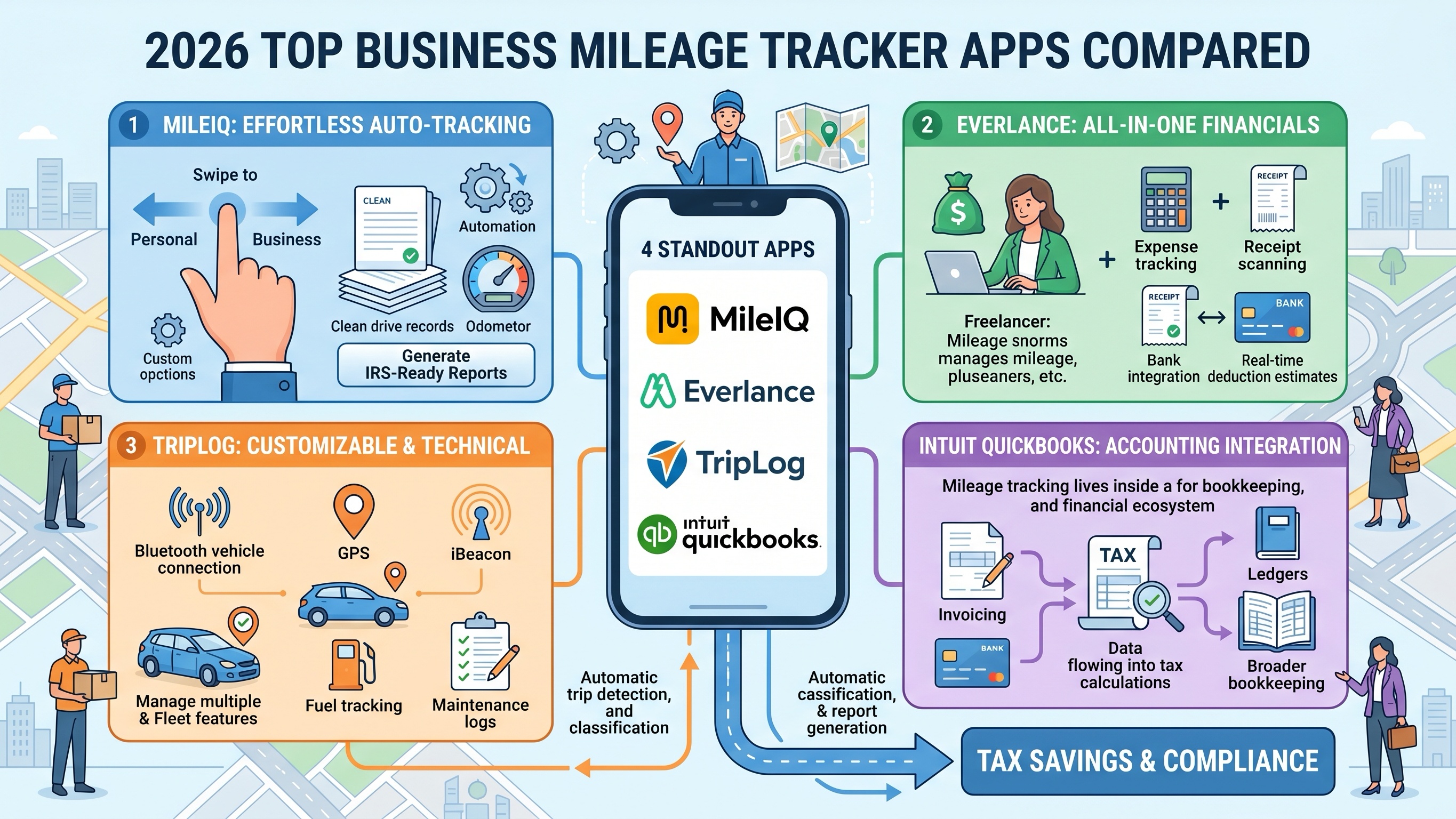
If you want the simplest possible experience with almost no setup or maintenance, MileIQ is still the easiest recommendation. It quietly tracks your drives, makes classification fast, and dramatically reduces the administrative headache of mileage logging.
If you are a freelancer or gig worker trying to organize your entire business life in one place, Everlance offers the strongest balance between mileage tracking, expense management, and tax preparation tools.
TripLog is ideal for users who want deep customization and tighter control over how tracking happens, especially for multi-vehicle or reimbursement-heavy workflows.
And if your finances already live inside the QuickBooks ecosystem, QuickBooks Solopreneur creates the smoothest all-in-one accounting experience.
Whichever app you choose, one thing is clear: manually reconstructing business mileage in 2026 simply no longer makes sense. A good mileage tracker does not just save time — it can directly save you money when tax season arrives.