
Smartphone design and software have evolved drastically over the last decade, but one small, satisfying personalization habit has never faded: custom ringtones.
There’s something uniquely fun about tailoring your phone’s sound profile to your taste. Whether it’s a iconic song chorus, a viral movie line, a silly meme sound bite, a throwback nostalgic track, or a subtle custom alert tone, these small audio touches make every incoming call or notification feel way more personal than generic system chimes.
The catch? Modern mobile operating systems don’t make custom ringtone creation easy anymore. iOS is notoriously restrictive, forcing users to jump through clunky workarounds with apps like GarageBand just to export a simple tone. Android offers more flexibility, but most ringtone tools are bloated with intrusive ads, fake free downloads, and unnecessary permission requests that ruin the experience.
Truly great ringtone apps fix three core pain points. They let you trim audio with precision, export files fully compatible with your device, and pull clips directly from your own local music library.
This roundup highlights fully functional, actively maintained apps on the App Store and Google Play Store built for real custom ringtone creation. We judged every tool on trimming accuracy, export simplicity, device compatibility, ad frequency, format support, honest pricing, and real everyday usability.
A key reality every customizer needs to know: streaming music from Spotify, Apple Music, and similar platforms carries DRM protection. These locked files cannot be converted into ringtones legally or technically. All the best ringtone tools work exclusively with DRM-free, locally saved audio you own outright. These are the reliable apps worth using this year.
Availability: iPhone, iPad
Pricing: 100% free
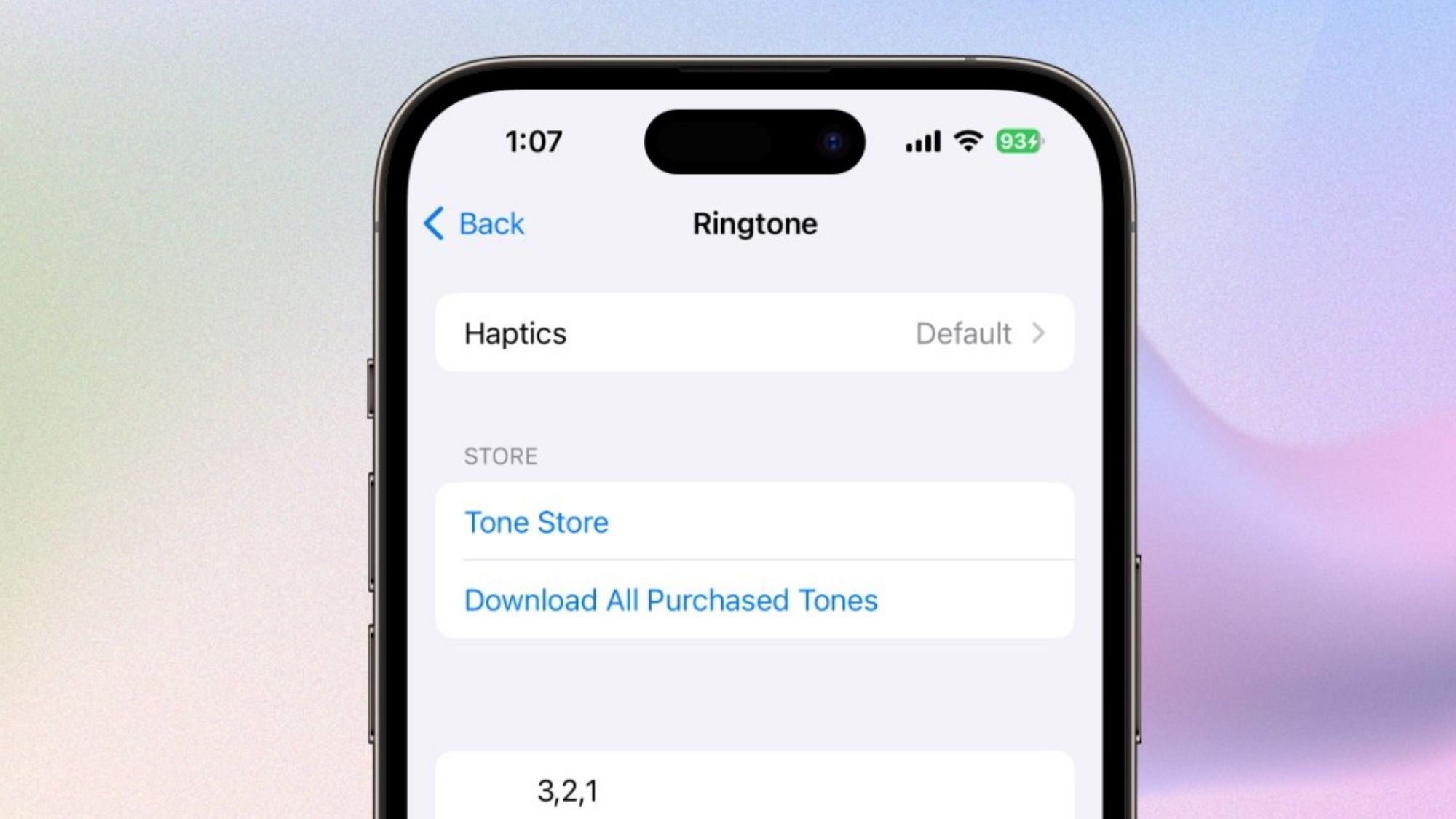
For iPhone users, GarageBand is still the most legitimate, trustworthy way to make custom ringtones — even if Apple’s convoluted workflow makes it feel more complicated than it needs to be.
As Apple’s official built-in music studio app, it bypasses most third-party ringtone restrictions that plague other iOS tools. Users can import local audio files, trim clips down to exact timestamps, adjust volume levels, and export finished audio directly as official iPhone ringtones. No sketchy workarounds, no risky profile installs, no hidden loopholes.
The process definitely has a learning curve. Its full-featured music-production interface feels overkill for simple 30-second ringtone clips, and exporting takes far more steps than Android equivalents. Once you master the workflow, though, it’s incredibly stable and reliable long-term. It also offers far finer audio editing control than most dedicated ringtone apps on the market.
Completely free with zero subscriptions or paywalls
Official Apple software with full system compatibility
Direct, native ringtone export functionality
Professional-grade audio editing tools for polished results
No third-party restrictions or compatibility bugs
Steep minor learning curve for new users
Overly robust interface for basic ringtone trimming
Slower multi-step workflow compared to Android ringtone tools
iPhone users who want a permanent, stable ringtone solution with no sketchy third-party workarounds.
Availability: iPhone
Pricing: Free to use; optional subscription upgrades
Most iOS ringtone apps are just ad platforms disguised as utilities, packed with pop-ups, fake features, and forced upgrades. Ringtone Maker stands out as a genuine, user-focused exception.
It’s built specifically to simplify iOS’s notoriously clunky ringtone creation process. Users can import local audio files, trim precise custom segments, preview edits instantly, and export fully compatible ringtone files. Its streamlined interface cuts through GarageBand’s bloated production tools, making quick edits far less intimidating for beginners.
It’s not perfect, though. Strict iOS system limitations still force users to finish the final ringtone assignment inside GarageBand. That extra step is tedious, but the core editing experience is cleaner, faster, and more intuitive than working exclusively in Apple’s full studio app. Free users will also encounter occasional ads and subscription prompts.
Far more beginner-friendly than GarageBand for basic trimming
Precise, easy-to-use audio trimming controls
Clean, uncluttered mobile interface
Instant audio previews for fast edits
Still limited by iOS’s strict export rules
Frequent subscription upgrade prompts
Intrusive ads in the free version
Casual iPhone users who want simple, approachable ringtone editing without GarageBand’s complexity.
Availability: Android
Pricing: Completely free
Android users have a massive advantage when it comes to custom ringtones: simplicity. This app nails the no-fuss workflow every casual creator wants.
Its entire purpose is straightforward. Pick a song from your local library, trim the exact section you want, save the finished clip, and assign it directly as your ringtone or notification tone. No complicated settings, no extra software required, no confusing workarounds.
It supports every major audio format, including MP3, WAV, AAC, and AMR. The built-in waveform editor delivers surprisingly precise trimming for a free tool, letting users zero in on exact chorus beats or audio segments. Unlike most free Android ringtone apps flooded with fake downloads and spammy ads, this version stays focused on core utility.
100% free with no mandatory upgrades
Extremely intuitive one-touch workflow
Instant ringtone saving and assignment
Broad support for all common audio formats
Accurate waveform-based precision trimming
Outdated, basic visual interface
Contains occasional ads
Lacks premium visual polish
Android users who want the fastest, most hassle-free custom ringtone creation process.
Availability: iPhone, Android
Pricing: Free with optional premium subscriptions and in-app purchases
Zedge isn’t a dedicated ringtone editor — it’s a full-scale phone personalization platform built for quick visual and audio customization. Boasting over 711 million downloads and 20.3 million active users worldwide, it’s the largest community-driven phone customization tool available.
It hosts endless user-created and artist-designed ringtones, notification chimes, live and static wallpapers, widgets, and AI-generated backgrounds. If you don’t want to edit your own clips from scratch, Zedge is the fastest way to find fresh, unique tones matching every mood, genre, and trend.
That said, it’s less useful for users who want to customize clips from their personal music library. Its editing tools are basic compared to dedicated audio apps, and the platform pushes premium content aggressively in 2026, with paid assets dominating many trending sections.
Massive, constantly updated library of pre-made ringtones
Perfect for complete beginners with zero learning curve
Works seamlessly on both iOS and Android
One-tap setup for instant phone personalization
All-in-one hub for wallpapers, tones, and visual themes
Heavy ad presence and frequent premium upsells
Limited advanced custom audio editing features
Premium content overshadows free assets
Users who prefer downloading ready-made tones over manually editing personal music files.
Availability: iPhone, Android
Pricing: Free base version; premium upgrade unlocks full features
Lexis Audio Editor is an underrated hidden gem for anyone who cares about high-quality ringtones. Unlike lightweight ringtone-only tools, it’s a full professional audio editor adapted perfectly for mobile custom tone creation.
Users can import local music tracks, snip exact audio segments, add smooth fade-in and fade-out transitions, balance uneven volume levels, and export finished files in multiple formats. Its precision far outperforms basic trimming apps, making it ideal for crafting clean, studio-quality ringtones with seamless starts and stops.
It strikes a great middle ground: more powerful than casual ringtone tools, but less overwhelming than full desktop production software. The functional interface prioritizes utility over aesthetics, and a small learning curve applies to advanced features, but the final audio quality is noticeably cleaner than most alternatives.
Industry-leading trimming and editing precision for mobile tools
Flexible multi-format export options
Fully functional on both iOS and Android
Smooth, responsive waveform editing controls
Preserves original audio quality exceptionally well
Utilitarian interface with no premium visual design
Minor learning curve for new users
Best export features sit behind a premium paywall
Detail-oriented users who prioritize polished, high-fidelity ringtones over quick one-tap results.
iPhone users can’t beat GarageBand for overall reliability. Its native Apple integration bypasses third-party restrictions entirely, delivering consistent, working ringtone exports with no risky loopholes or temporary fixes.
For Android users, MP3 Cutter and Ringtone Maker remains the gold standard for fast, simple, functional custom ringtone creation.
Best Overall iPhone Ringtone App: GarageBand
Best Overall Android Ringtone App: MP3 Cutter and Ringtone Maker
Best for Advanced High-Quality Editing: Lexis Audio Editor
Best for Pre-Made Downloadable Tones: Zedge
Best Beginner iPhone Editor: Ringtone Maker - Ring App
Bad editing tools aren’t the main roadblock for custom ringtones in 2026. Licensing and DRM restrictions are.
Nearly all streaming platforms — Spotify, Apple Music, YouTube Music, Amazon Music — lock their audio files with digital rights management software. These protected tracks cannot be clipped, edited, or converted into ringtones, no matter which app you use. This is why so many users run into issues where ringtone tools fail to detect their favorite streaming songs.
Every reliable ringtone workflow relies on unprotected, locally stored audio: legally owned MP3s, personal recordings, downloaded sound effects, and DRM-free music files.
At the end of the day, the best ringtone apps aren’t the ones with flashy gimmicks or huge libraries. They’re the simple, dependable tools that cut audio cleanly and export finished tones without unnecessary hassle. That timeless formula still wins in 2026.